Revolutionizing PDF Analysis with AI
We transform complex PDF documents into intelligent, actionable insights using cutting-edge artificial intelligence. Our platform understands context, extracts key information, and delivers comprehensive summaries that save you hours of manual reading.
Lightning Fast
Process documents in seconds, not hours. Our AI engine delivers instant results.
Precision Focused
Advanced algorithms ensure accurate extraction and context-aware summarization.
Secure & Private
Enterprise-grade security with end-to-end encryption for your sensitive documents.

 4.61,340 則評論
 4.513,920 則評論
 4.64,550 則評論
Our Core Values
Built on principles that drive innovation in AI-powered document analysis
Intelligence First
We leverage state-of-the-art machine learning models to understand document context, not just extract text. Our AI thinks like a human analyst.
User-Centric Design
Every feature is designed with the end-user in mind. We believe technology should enhance human capabilities, not complicate them.
Privacy & Security
Your documents are your business. We implement military-grade encryption and never store your data longer than necessary.
Continuous Innovation
We stay at the forefront of AI research, constantly improving our algorithms to deliver more accurate and insightful results.
Meet Our AI Experts
The brilliant minds behind our cutting-edge PDF analysis technology

Dr. Sarah Chen
Chief AI Officer
PhD in Machine Learning from Stanford. Former Google AI researcher with 8+ years experience in natural language processing and document understanding systems.

Marcus Rodriguez
Lead Software Engineer
Full-stack developer with expertise in AI integration and scalable systems. Previously at Microsoft Azure, specializing in cloud-based document processing solutions.

Alex Thompson
Security & Privacy Lead
Cybersecurity expert with 10+ years protecting enterprise data. Former NSA analyst specializing in secure document processing and privacy-preserving AI technologies.
信賴與安全保障來自 業界專家





大家對我們線上工具的評價


最新文章
探索更多提示、工具與指南,協助您更聰明地處理 PDF。

How to Make a Scanned PDF Searchable with OCR
Make a scanned PDF searchable and selectable with OCR. Step-by-step with Profi PDF, Adobe Acrobat and the free OCRmyPDF, plus tips for accurate text recognition.
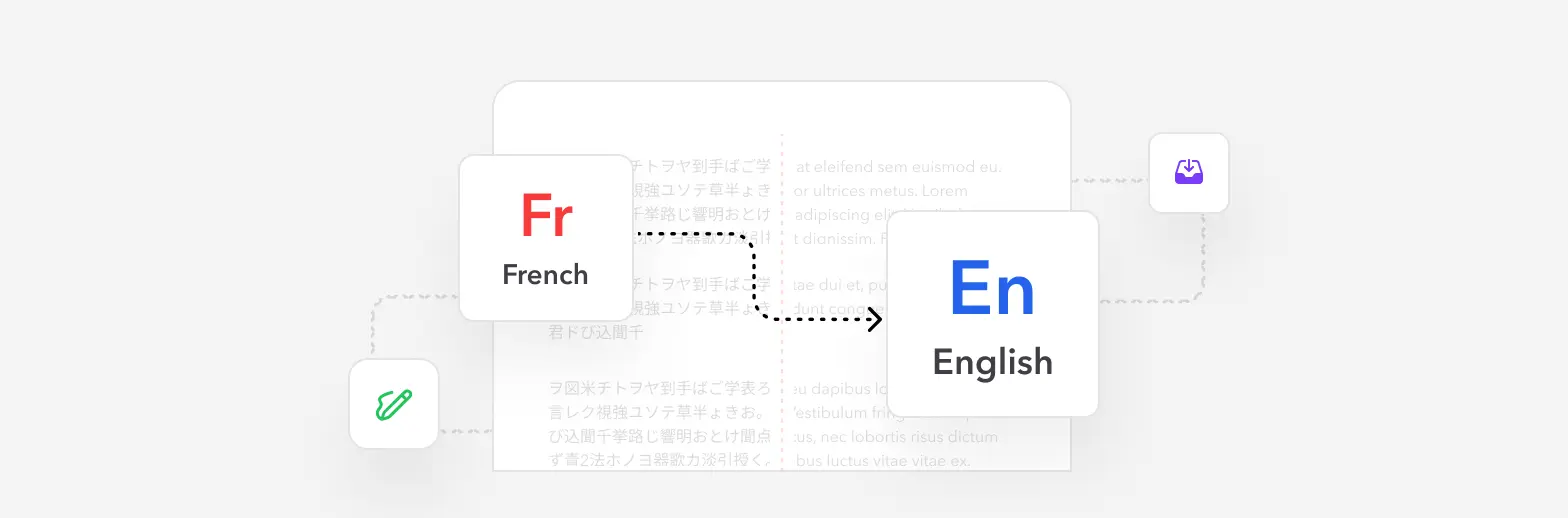
Translate Documents from French to English: Complete Professional Guide
Master the art of translating French documents to English with precision and efficiency. Discover professional methods, formatting preservation techniques, and AI-powered solutions for seamless multilingual document conversion.
How to Remove Password from a PDF File - Complete Unlock Guide
Remove the password from a PDF you can open: online, in Chrome, in Preview on a Mac, on iPhone and Android, or with the free qpdf command.