Translate Documents from French to English: Complete Professional Guide
 Author: Michael Chen
Content
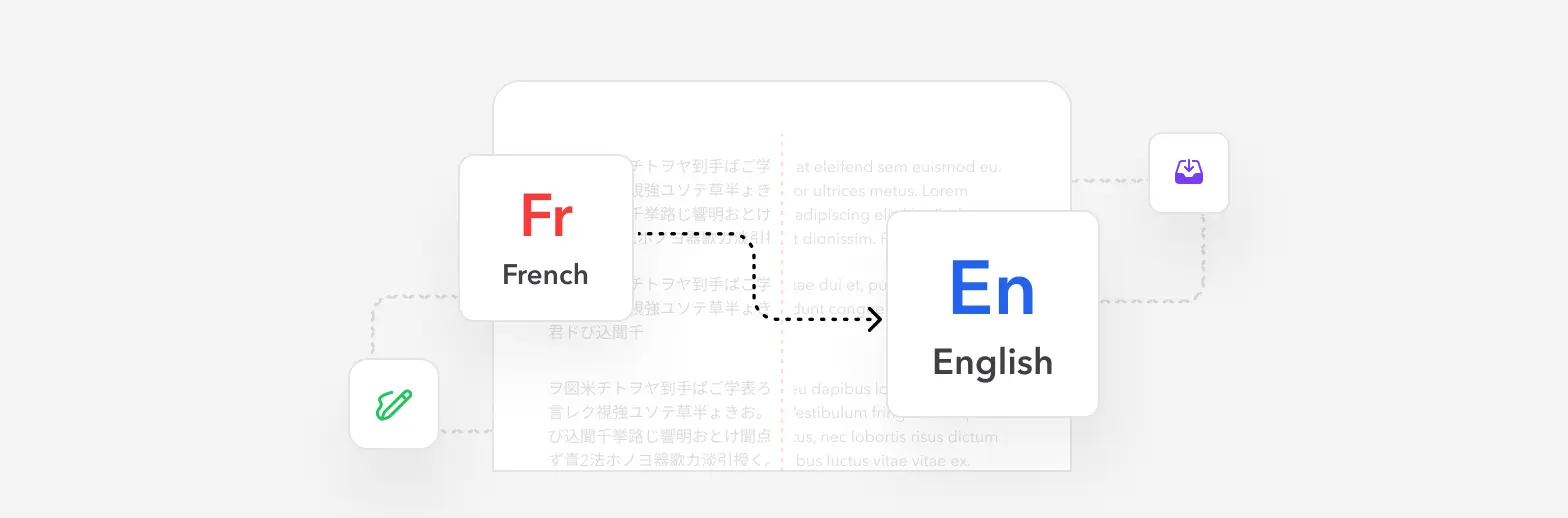
To translate a French document into English and keep its layout:
- Open the Profi PDF French to English translator.
- Upload your PDF, Word, PowerPoint or Excel file.
- Download the English version.
Below: what makes French hard to translate well (false friends, the formal "vous", grammatical gender), how each file type is handled, and when a human translator is still the better choice. For other languages, see the general guide to translating a PDF.
Why Document Translation Requires Specialized Tools
Understanding why traditional translation methods fall short for document conversion is essential before choosing the right solution for your needs.
The Limitations of Manual Copy-Paste Translation
- Formatting destruction: Copying text to translation tools strips all formatting, tables, and layout elements
- Time-intensive process: Manual reconstruction of formatting can take hours for complex documents
- Error-prone workflow: Multiple copy-paste operations introduce mistakes and omissions
- No image handling: Charts, diagrams, and embedded visuals require separate processing
- Font inconsistencies: Original typography and styling are completely lost
Common French-English Document Translation Scenarios
- Legal contracts and agreements: Business partnerships with French companies or organizations
- Academic research papers: Scientific publications and theses from French institutions
- Technical manuals: Product documentation and user guides for international markets
- Immigration documents: Birth certificates, diplomas, and official records for visa applications
- Corporate communications: Internal reports, proposals, and strategic materials
- Marketing content: Brochures, presentations, and promotional materials for English-speaking audiences
Essential insight: Modern document translation platforms combine AI-powered linguistic intelligence with sophisticated formatting preservation to deliver professional-grade results in minutes rather than hours.
Professional French to English Translation with Profi PDF
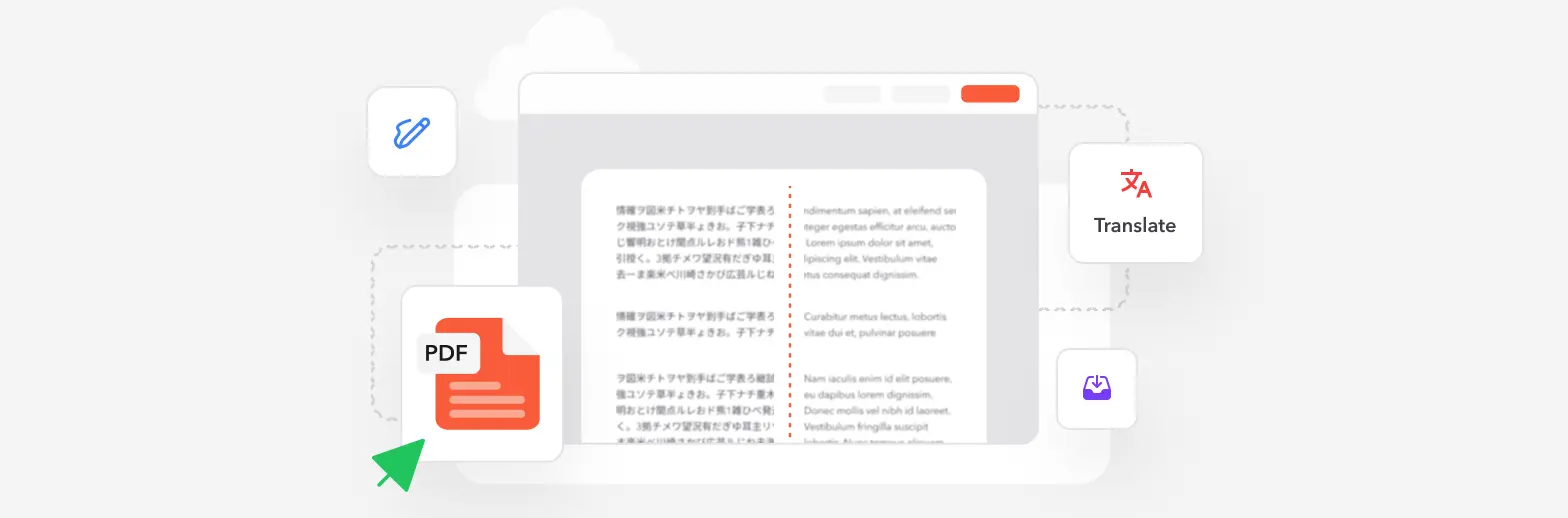
Profi PDF delivers enterprise-grade French to English translation powered by advanced AI that understands context, preserves formatting, and maintains document integrity throughout the process:
- Open the translator: Go to the Profi PDF French to English translator
- Upload your French document: Drag and drop a PDF, Word, Excel or PowerPoint file
- Translate: French and English are already selected on this page
- Download translated file: Receive your professionally translated English document with formatting intact
Advanced Translation Capabilities
- Contextual understanding: AI recognizes idiomatic expressions and cultural nuances for natural translations
- Format preservation: Maintains headers, footers, tables, columns, and complex layouts perfectly
- Multi-format support: Processes PDF, DOCX, XLSX, PPTX, and scanned document images
- Visual element handling: Preserves graphs, charts, images, and embedded objects
- Typography retention: Keeps fonts, sizes, colors, and text styling from the original
- Batch processing: Translate multiple documents simultaneously for enterprise efficiency
Perfect for: Business professionals, legal teams, academic researchers, and anyone requiring high-accuracy translations with professional formatting preservation.
Translate French Documents to English Instantly
Transform your French documents into perfect English translations while preserving every formatting detail. Experience AI-powered accuracy with enterprise-grade security.
Start Translating Now



Understanding French-English Translation Challenges
French and English, while both derived from Indo-European roots, present unique linguistic challenges that sophisticated translation systems must navigate successfully.
Grammatical Structure Differences
- Gender assignment: French nouns carry masculine/feminine gender, which English eliminates
- Verb conjugation complexity: French uses more tense variations than English equivalents
- Pronoun systems: Formal "vous" versus informal "tu" requires contextual English interpretation
- Adjective placement: French typically places adjectives after nouns, opposite to English conventions
- Negative construction: French requires "ne...pas" structures that don't directly translate
Cultural and Contextual Considerations
- Idiomatic expressions: Phrases like "avoir le cafard" (to feel blue) need contextual adaptation
- False cognates: Words like "actuellement" (currently) versus "actually" create confusion
- Business formality: French business language uses specific formal conventions requiring careful adaptation
- Technical terminology: Industry-specific vocabulary may differ significantly between languages
- Cultural references: Historical and social contexts may need explanation for English audiences
Document-Specific Translation Needs
- Legal documents: Require precise terminology with legal equivalency validation
- Technical manuals: Must maintain exact specifications and measurements
- Marketing materials: Need creative adaptation rather than literal translation
- Academic papers: Require formal register and citation style consistency
AI advantage: Modern neural translation systems learn from millions of bilingual document pairs, enabling them to handle these complexities with human-level contextual understanding and natural phrasing.
Step-by-Step: Translating Different Document Types
Different document formats require tailored approaches for optimal translation results. Here's how to handle the most common file types effectively.
PDF Documents: Native and Scanned
For text-based PDF files:
- Upload your French PDF to the Profi PDF French to English translator
- The system automatically detects extractable text content
- Translation processes while maintaining exact layout structure
- Download your English PDF with identical formatting
For scanned or image-based PDFs:
- Upload the scanned French document
- Advanced OCR technology extracts text from images
- AI translation converts French text to English
- Document reconstruction preserves original visual layout
- Receive translation-ready English document
Microsoft Word Documents
- Style preservation: Headings, bullets, numbering, and indentation remain intact
- Track changes compatibility: Comments and revisions carry over to translated version
- Table handling: Complex tables translate while maintaining cell structure
- Embedded object support: Images, charts, and diagrams stay positioned correctly
Excel Spreadsheets
- Formula preservation: Calculations and cell references remain functional
- Sheet structure: Multiple worksheets, tabs, and organization stay organized
- Data integrity: Numbers, dates, and special formatting convert appropriately
- Chart translation: Graph labels and legends translate to English
PowerPoint Presentations
- Slide layout retention: Design, animations, and transitions remain unchanged
- Text box positioning: Translated text adjusts within original boundaries
- Speaker notes: Presenter notes translate alongside visible slide content
- Visual consistency: Fonts, colors, and themes maintain brand identity
Pro tip: For documents with mixed French-English content, Profi PDF's intelligent detection identifies and translates only the French portions while leaving English text unchanged.
Quality Assurance and Translation Accuracy
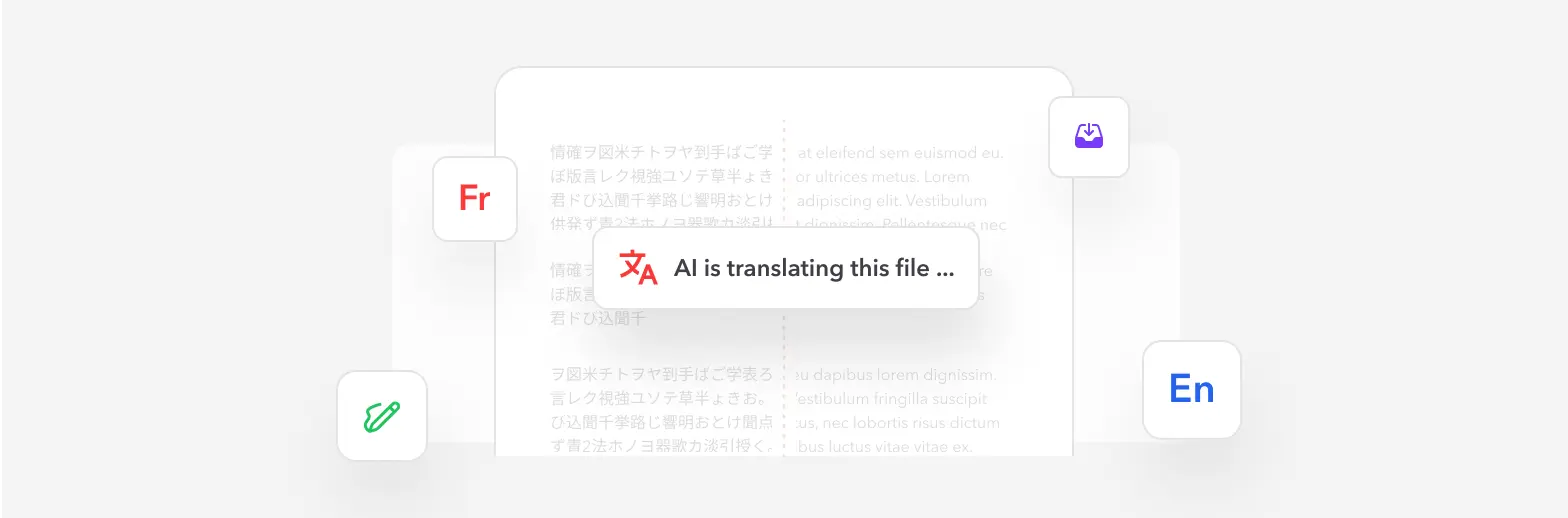
Ensuring translation quality and accuracy is critical for professional documents that represent your business or academic work.
AI Translation Quality Factors
- Neural network training: Systems trained on billions of professionally translated sentence pairs
- Contextual analysis: Algorithms consider surrounding sentences for meaning disambiguation
- Domain adaptation: Specialized models for legal, medical, technical, and business vocabularies
- Continuous learning: Translation engines improve accuracy through ongoing refinement
- Quality metrics: Automated scoring systems evaluate translation fluency and accuracy
Post-Translation Verification Steps
- Spot-check accuracy: Review key sections for meaning preservation and natural phrasing
- Verify technical terms: Confirm industry-specific vocabulary translates correctly
- Check formatting integrity: Ensure tables, lists, and structure remain intact
- Test embedded elements: Verify links, formulas, and interactive components function properly
- Review tone consistency: Confirm formal/informal register matches source document intent
- Proofread final output: Scan for any obvious errors or awkward constructions
When to Consider Human Review
- Legal binding documents: Contracts and agreements where precise wording is critical
- Published materials: Books, articles, or content with author reputation at stake
- Marketing campaigns: Creative content requiring cultural adaptation and persuasive language
- Medical documentation: Patient records or clinical studies with health implications
- Official certifications: Documents requiring notarization or official validation
Best practice: For most business, academic, and personal documents, modern AI translation provides 95%+ accuracy that meets professional standards. Reserve human translator review for the highest-stakes scenarios requiring certification or creative adaptation.
Experience Premium French-English Translation
Upload your French documents and receive professional English translations in minutes. Powered by advanced AI with enterprise security and guaranteed formatting preservation.
Try Profi PDF TranslationTry Our PDF Editing Tool Now
Edit text, add signatures, convert, highlight content, and make quick changes to any PDF.
Start Translating Now 4.61,340 件のレビュー4.513,920 件のレビュー4.64,550 件のレビュー
関連する記事
PDFをよりスマートに扱うためのヒント、ツール、ガイドをもっと探る。
How to Edit a PDF? Solutions to Common Issues
Struggling to edit your PDF files? Discover practical solutions to overcome common PDF editing challenges, from password protection to scanned documents. Learn professional techniques that work.
How To Convert a Scanned PDF to Word Online - Complete Guide
Transform scanned PDF documents into fully editable Word files using advanced OCR technology. Learn the best methods, troubleshooting tips, and professional solutions for perfect conversions.
How to Convert a PDF to a Word Document
Convert a PDF to an editable Word document online, in Microsoft Word or in Google Docs. Learn which method keeps your formatting and how to fix tables and fonts afterwards.