


如何線上整理 PDF
只需幾個步驟,即可快速輕鬆編輯 PDF。
1
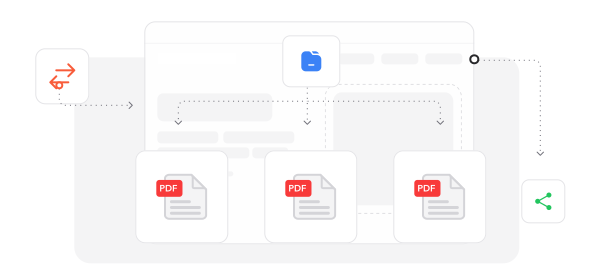
載入文件. 匯入您的 PDF 檔案,開始重組頁面順序。
2
重組頁面. 拖曳頁面縮圖,將其移至您想要的排列位置。
3
儲存已重組檔案. 完成流程並匯出重新整理結構的文件。
深受像您一樣的使用者信賴
看看其他使用者如何使用 Profi PDF 整理 PDF。

12月5日
簡化我的工作流程
介面操作非常流暢,讓我能快速有效率地整理冗長文件。非常出色的功能。


阿宏
11月30日
快速又有效
這項服務非常快速且有效。它能順利處理各種 PDF 格式,客服也提供了迅速協助。

小穎
12月2日
優質服務
很棒的工具!頁面整理功能運作完美,客服支援也非常出色。

張柏翰
2364 人今天已產生 PDF 檔案
@mel****
6 分鐘前
@ari***
19 分鐘前
@rya**
9 分鐘前
受信任並由以下保障 業界專家





為何選擇我們的工具來整理 PDF
直覺的拖放控制
透過視覺化頁面預覽,流暢地重新排列文件區段,讓複雜的重組工作變得簡單又有效率。
完整的編輯功能
除了重新排序,還可透過文字修改、新增圖片、數位簽名與頁面操作來強化文件。
跨平台存取
透過瀏覽器即可在智慧型手機、平板或電腦上整理 PDF,無需下載專用軟體。
企業級防護
在重組過程中,您的文件會透過軍規級加密與進階安全協定保持安全。
完美保留品質
在重組頁面順序時,不進行壓縮或造成品質下降,維持文件的原始清晰外觀。
雲端儲存方案
重新整理的文件會自動備份到安全的雲端儲存空間,方便永久存取與分享。



常見問題
快速找到關於充分運用我們工具的問題解答。