AI Image Enhancer
Enhance image quality, restore faces and upscale photos 2x or 4x online


- 2x & 4x AI Upscaling
- Face Enhancement
- Privacy-focused
How It Works
Three steps. No installs. Done in minutes.
1
Upload Your Photo. JPG, PNG, WebP or HEIC up to 7 MB. Old scans and blurry phone shots welcome.
2
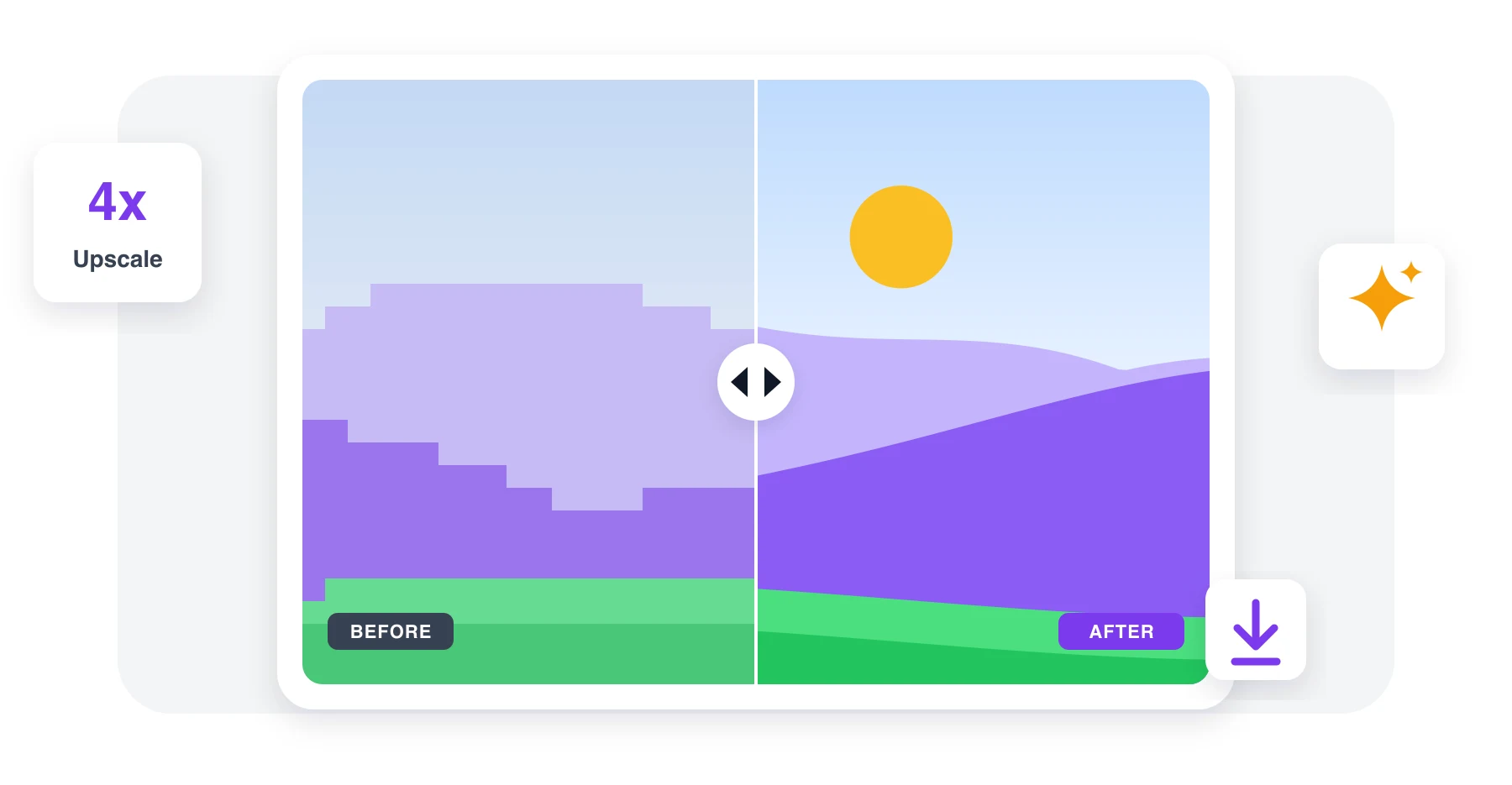
Compare Before & After. The AI enhances it in seconds. Drag the slider and zoom in to check.
3
Pick 2x or 4x & Download. Choose the size, hit the button, grab the high-resolution image.
People Love These Tools
Podcasters, researchers, marketers, and remote teams use our audio & video tools every day.

Aug 14
Old family photo saved
A tiny scan from the 90s came out sharp enough to print. Faces look real, not painted.


Megan Brooks
Aug 2
Product shots for my store
Blurry supplier images turned into clean listings. 4x was more than enough.

Daniel Ortiz
Jul 27
Better than the phone app
The before/after preview shows exactly what you pay for. No surprises.

Hannah Lee
2527 people generated PDF files today
@kai****
15 mins ago
@sam***
5 mins ago
@sue**
19 mins ago
Trusted and Secured by Industry Experts




Why People Pick Our Audio & Video Tools
Seriously Sharp Results
AI rebuilds texture, edges and detail instead of stretching pixels.
Faces Look Natural
Eyes, skin and hair come back without the plastic, over-smoothed look.
Up to 4x Bigger
2x for quick fixes, 4x when you need a print-ready picture.
See It Before You Get It
Slider plus 300% zoom, so you know exactly what you download.
Works Everywhere
Runs in the browser on phone, tablet or laptop. Nothing to install.
Private by Default
Photos are processed only to enhance them, never used for anything else.
AI Image Enhancer Online
No signup needed. Just pick a tool and go.
Enhance Image 4.61,340 reviews
 4.513,920 reviews
 4.64,550 reviews
Frequently Asked Questions
Quick answers about our audio & video transcription and conversion tools.