Merge PDF Files Online
Combine PDFs and images into one file, in exactly the order you want.


14,382 reviews
Drop your files here
or
Size up to 250 MB
Size up to 250 MB
How to Merge PDF Online
Quick and easy PDF editing in a few steps.
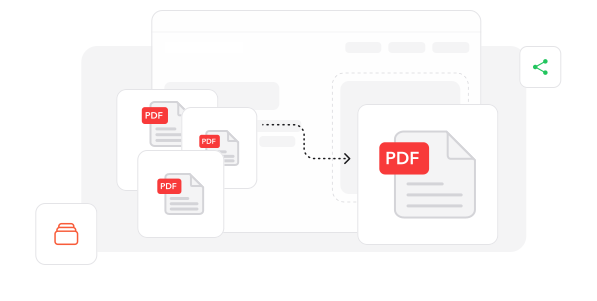
1
Upload Your Files. Add the PDFs and images you want to combine.
2
Set the Order. Drag the files into the order you want, then click Merge Files.
3
Download Your File. Download the merged PDF. A copy is also saved in your Profi PDF account.
Trusted by People Like You
See how our fellow users Merge PDF with Profi PDF.

Aug 27, 2026
where to drop
wasnt sure where to drop the files but its one pdf now


chris.d
Sep 29, 2026
one file
one file, finally

alina
Oct 7, 2026
tax docs
merged all 6 tax docs into one pdf

jonah_k
2582 people generated PDF files today
@thi.ng***
2 mins ago
@el.l**
17 mins ago
@ahm3d**
17 mins ago
Trusted and Secured by Industry Experts





Why choose our tool to Merge PDF
Your Order, Your Way
Drag and drop files to put the pages exactly where you want them.
Nothing to Install
Merge files in any browser, on your computer or your phone.
Mix Sizes and Layouts
Combine documents with different page sizes and layouts into one tidy file.
Pages Look Exactly the Same
Text, images and formatting come through exactly as they were.
Easy for Everyone
A clean, simple screen — no tech skills needed to merge your files.
Fewer Files to Manage
Turn a pile of separate documents into one file that's easy to store and share.
Merge PDF documents online
Quick and easy, no software required
Merge PDFs Now 4.61,340 reviews
 4.513,920 reviews
 4.64,550 reviews
Frequently Asked Questions
Find quick answers to questions about getting the most out of our tool.