Fill out Form 941 Online in 2026
Fill in and sign your quarterly payroll tax return


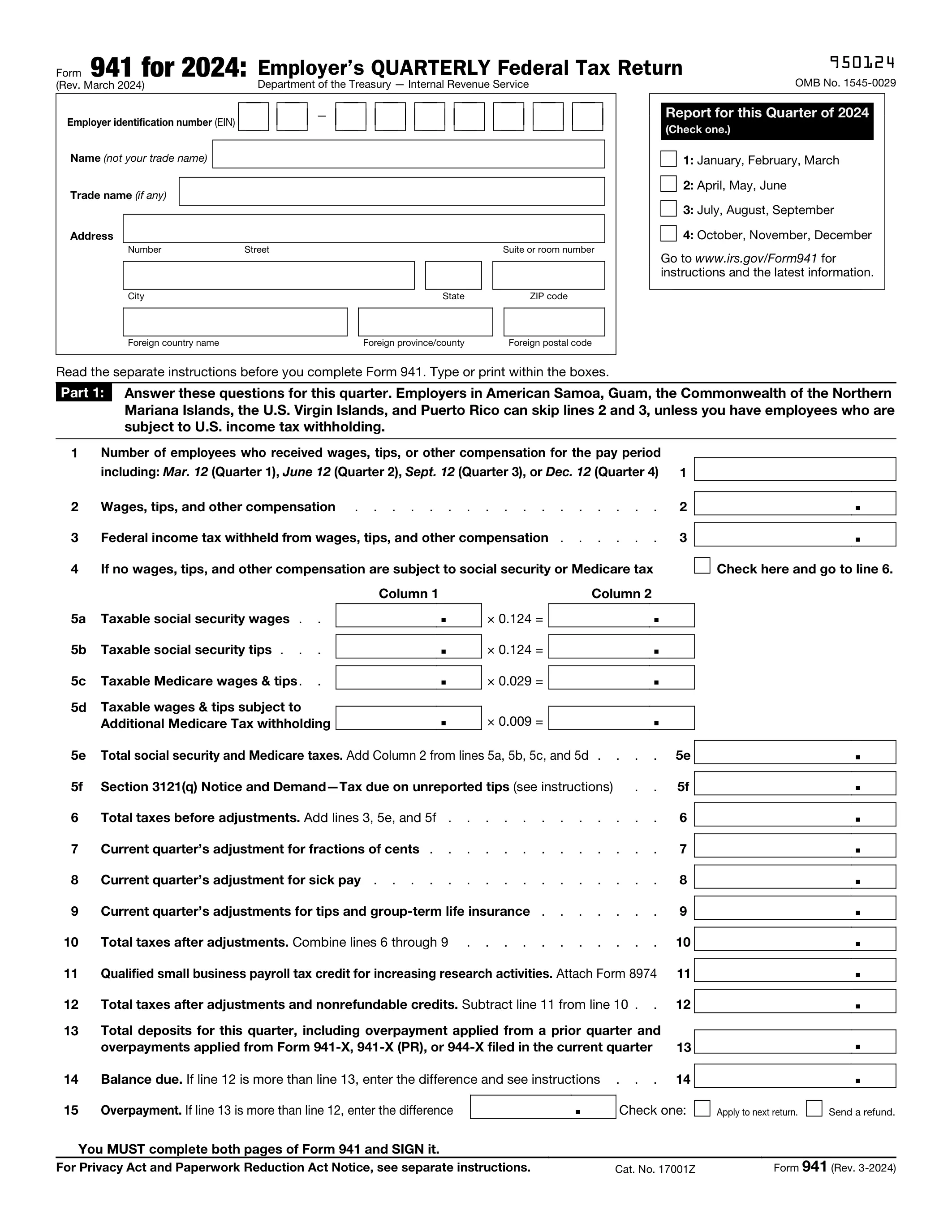
Form version: Rev. March 2024
Forms filled
Forms signed
Forms sent
Fully Integrated With




Get your Form 941

Fill out Form 941
Enter your personal or business information directly into the form — fast, accurate, and easy.
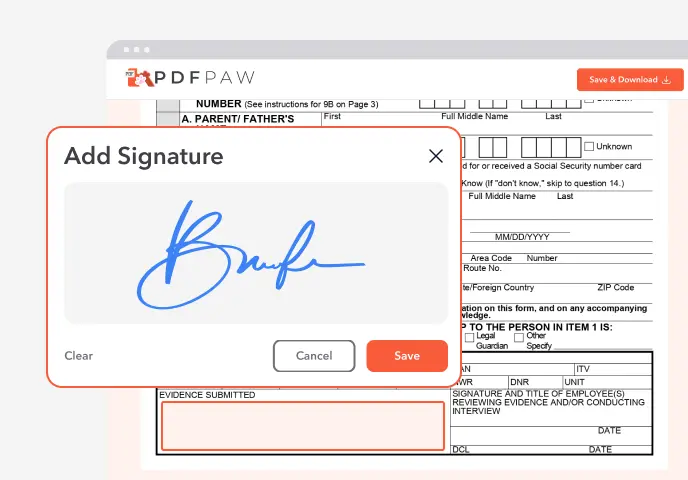
Sign the Form
Add your electronic signature wherever the form asks for one.
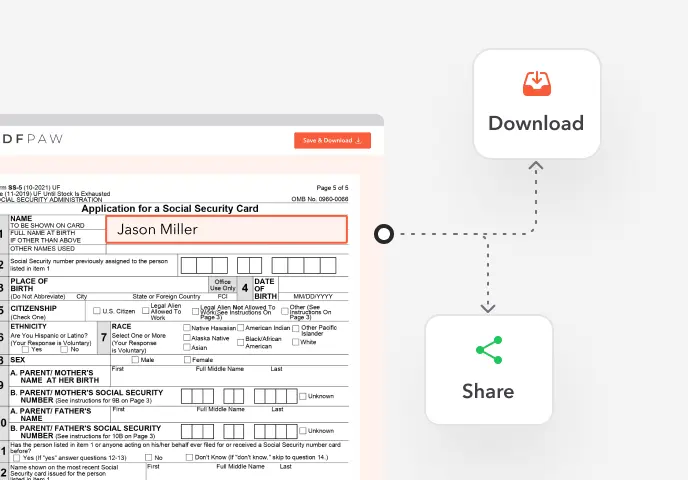
Download or Share
Download your completed Form 941 instantly or share it with others.
What is Form 941?
Form 941, Employer's Quarterly Federal Tax Return, reports the federal income tax you withheld from employees' pay, plus Social Security and Medicare tax (both the employee and employer shares), for each calendar quarter.
Who must file Form 941?
Employers who pay wages subject to federal income tax withholding or Social Security and Medicare tax, including nonprofits. Exceptions: employers told to file Form 944 instead, household employers (Schedule H), agricultural employers (Form 943), and seasonal employers in quarters with no wages.
How to fill out Form 941?

1. Open Form 941 in the Profi PDF editor and check that the form revision matches the quarter you are reporting.
2. At the top, enter your EIN, name, trade name and address, and check the quarter.
3. Line 1: enter the number of employees paid for the pay period that includes the 12th of the quarter's last month.
4. Lines 2–3: enter wages, tips and other compensation, and the federal income tax withheld.
5. Lines 5a–5d: enter taxable Social Security and Medicare wages and tips, and multiply them by the rates on the form. Line 5e is the total.
6. Lines 6–13: enter adjustments and credits, then the total taxes after adjustments and your deposits for the quarter.
7. Line 14 or 15: enter the balance due or the overpayment.
8. Part 2: enter your deposit schedule (monthly amounts on line 16, or attach Schedule B if you're a semiweekly depositor).
9. Parts 3–5: answer the business questions, name a third-party designee if you want one, then sign and date.
10. Download, print and mail the return, with Form 941-V if you are paying.
Complete your Form 941 now!
Fill in and sign your quarterly payroll tax return
Fill Form
 4.61,340 reviews
 4.513,920 reviews
 4.64,550 reviews
When is Form 941 due?
By the last day of the month after each quarter: April 30, July 31, October 31 and January 31. If you deposited all the tax on time, you have 10 more days. Dates that fall on a weekend or holiday move to the next business day.
Where do I file Form 941?
File electronically through an e-file provider, or mail it to the IRS address for your state. The address depends on whether you enclose a payment and is listed in the Form 941 instructions. Profi PDF helps you fill out the form; it doesn't file it for you.
Do I need to sign Form 941?
Yes. The owner, a corporate officer or another authorized person signs Part 5. If you mail the return, a handwritten signature on the printed form is the safe choice.
How to get a blank Form 941?
The editor opens with the Rev. March 2024 Form 941 loaded. The IRS revises Form 941 often, so make sure the revision matches the quarter you are reporting.
What users are saying about our Online Tool


Frequently Asked Questions
Related Forms
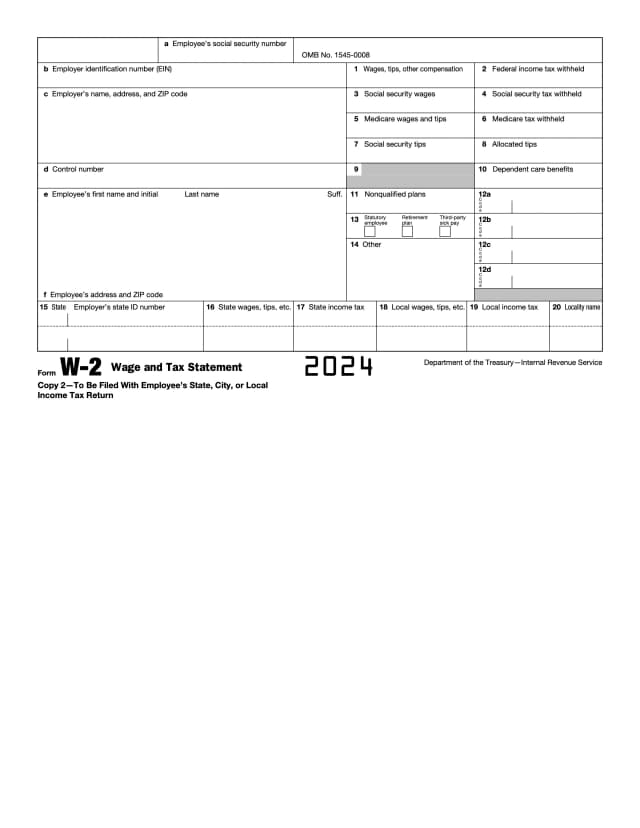
Form W-2 is the wage and tax statement an employer gives each employee after the year ends. It shows the wages paid and the federal, state and payroll taxes withheld.
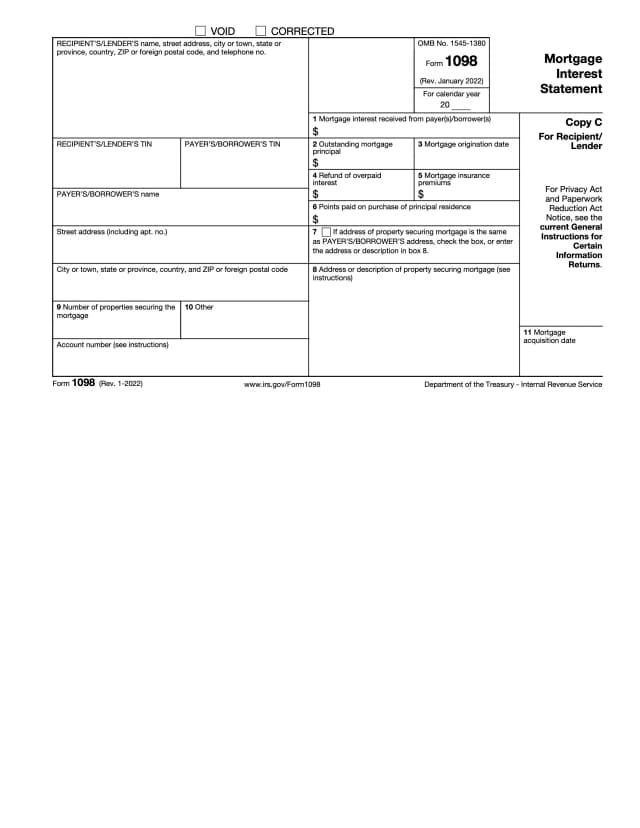
Form 1098 is the mortgage interest statement a lender sends the borrower and the IRS when it receives $600 or more in mortgage interest in a year. Homeowners use it to deduct that interest.
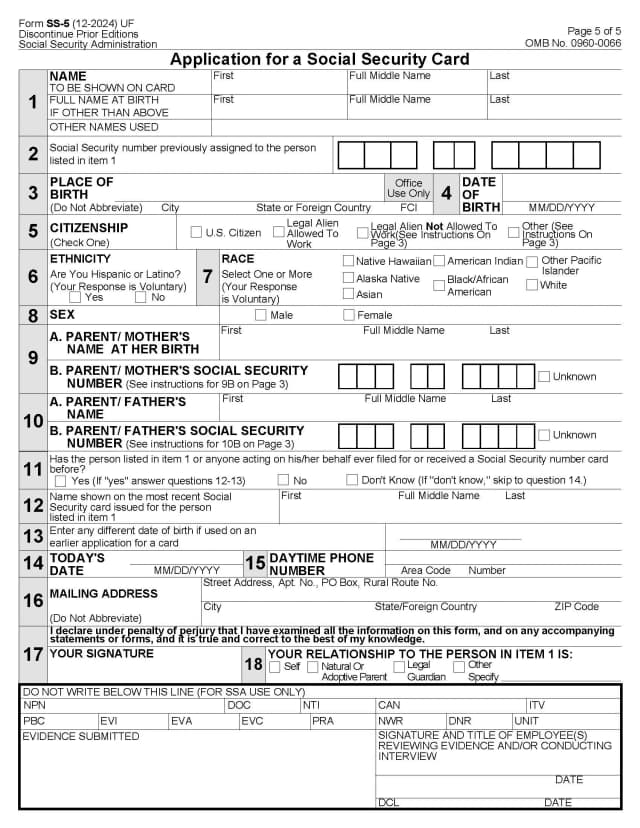
Form SS-5 is the application for an original, replacement or corrected Social Security card, for example after a name change or when a card is lost.
Profi PDF is not affiliated with the IRS, the Social Security Administration or any other government agency. We help you fill out, sign and download the form; you submit it yourself. This page is general information, not tax or legal advice.