Fill out Form 1095-C Online in 2026
Report the coverage you offered each employee, month by month


Form version: 2024 Form 1095-C
Forms filled
Forms signed
Forms sent
Fully Integrated With




Get your Form 1095-C

Fill out Form 1095-C
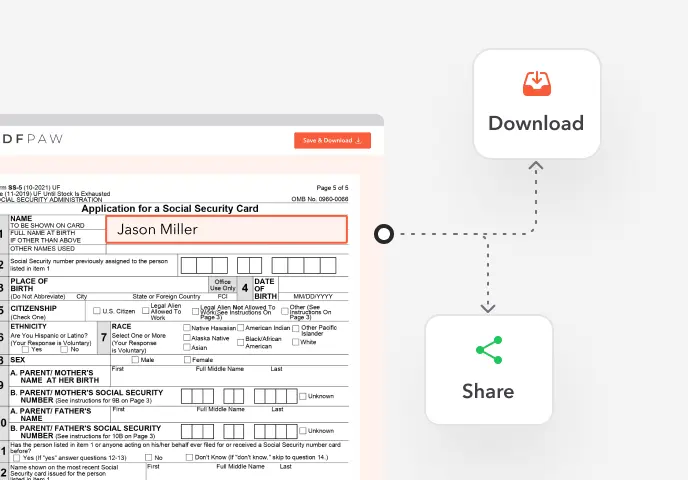
Enter your personal or business information directly into the form — fast, accurate, and easy.
Sign the Form
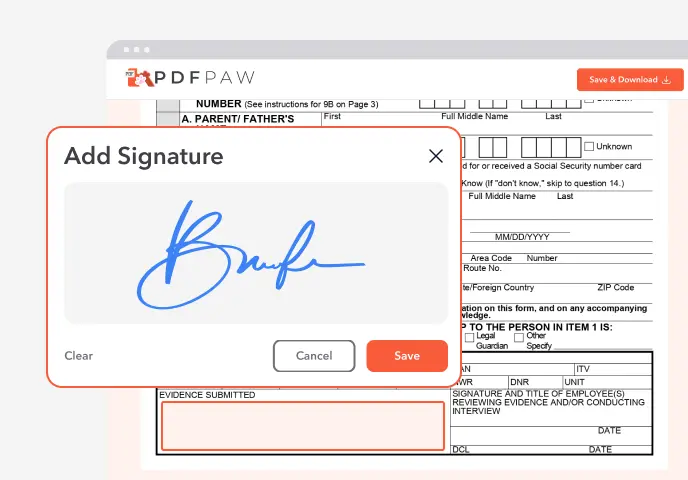
Add your electronic signature wherever the form asks for one.
Download or Share
Download your completed Form 1095-C instantly or share it with others.
What is Form 1095-C?
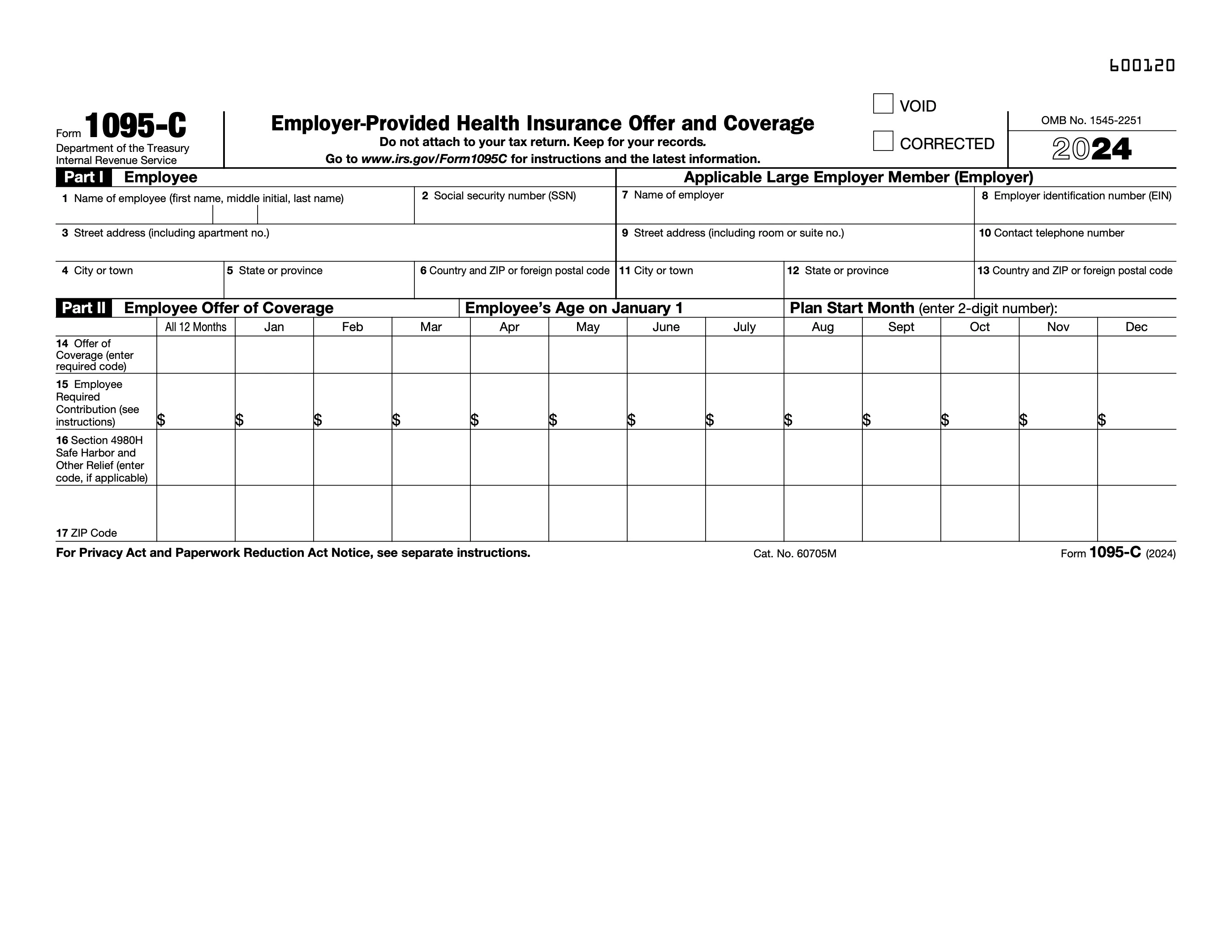
Form 1095-C, Employer-Provided Health Insurance Offer and Coverage, is the form applicable large employers use to report, month by month, the health coverage they offered each full-time employee and, for self-insured plans, who was covered.
Who needs to file Form 1095-C?
Employers with 50 or more full-time employees, counting full-time equivalents, file one for each person who was a full-time employee in any month. Employers with self-insured plans also complete Part III for everyone enrolled.
How to fill out Form 1095-C?

1. Open the 1095-C in the Profi PDF editor.
2. Part I: enter the employee's name, SSN and address, and your name, EIN, address and contact phone number. Add the plan start month.
3. Line 14: enter the offer of coverage code, for all 12 months or month by month.
4. Line 15: enter the employee required contribution for the lowest-cost self-only plan, where the line 14 code calls for it.
5. Line 16: enter any safe harbor or relief codes.
6. Line 17: enter the ZIP code used for an individual coverage HRA, if you offered one.
7. Part III (self-insured plans only): list each covered person and the months they were covered.
8. Download the form, give the employee their copy, and file it with the IRS along with Form 1094-C.
Complete your Form 1095-C now!
Report the coverage you offered each employee, month by month
Fill Form
 4.61,340 reviews
 4.513,920 reviews
 4.64,550 reviews
When is Form 1095-C due?
Employees must get their copy by early March of the following year (March 2 in recent years). The IRS filing is due February 28 on paper or March 31 if you file electronically.
Where do I file Form 1095-C?
With the IRS, together with the transmittal Form 1094-C. You must file electronically through the IRS AIR system if you file 10 or more information returns in total; otherwise you can mail it to the address in the instructions. Profi PDF helps you fill out the form; it doesn't file it for you.
Do I need to sign Form 1095-C?
No. The 1095-C has no signature line; the employer signs the transmittal Form 1094-C.
When is Form 1095-C not required?
Employers with fewer than 50 full-time employees don't file it (unless they have a self-insured plan, which reports on Form 1095-B). Large employers don't file one for an employee who was never full-time in the year and wasn't enrolled in a self-insured plan.
How to get a blank Form 1095-C?
The editor opens with the 2024 Form 1095-C loaded. Make sure you use the form for the year you are reporting.
Complete your Form 1095-C now!
Report the coverage you offered each employee, month by month
Fill FormWhat users are saying about our Online Tool


Frequently Asked Questions
Related Forms
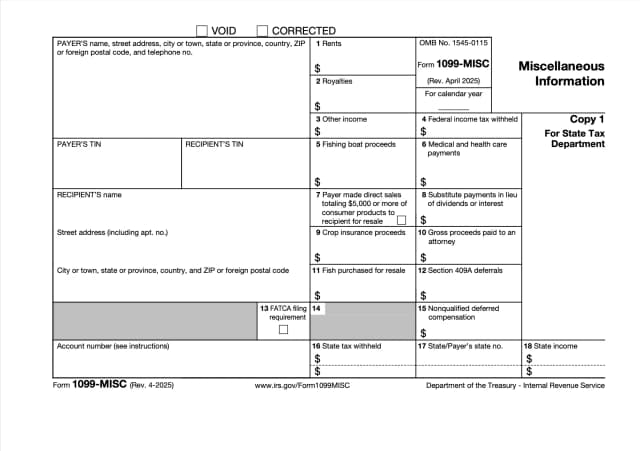
Form 1099-MISC reports a business's payments for rent, royalties, prizes and awards, medical payments and other income. Payments for a contractor's services go on Form 1099-NEC instead.
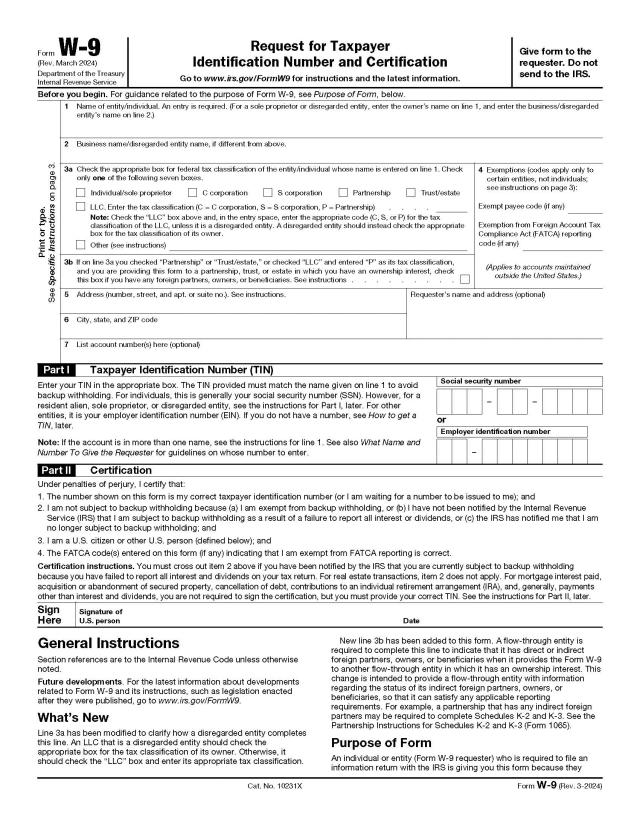
Form W-9 gives a client or payer your name, tax classification and taxpayer ID number (SSN or EIN), so they can report what they pay you to the IRS.
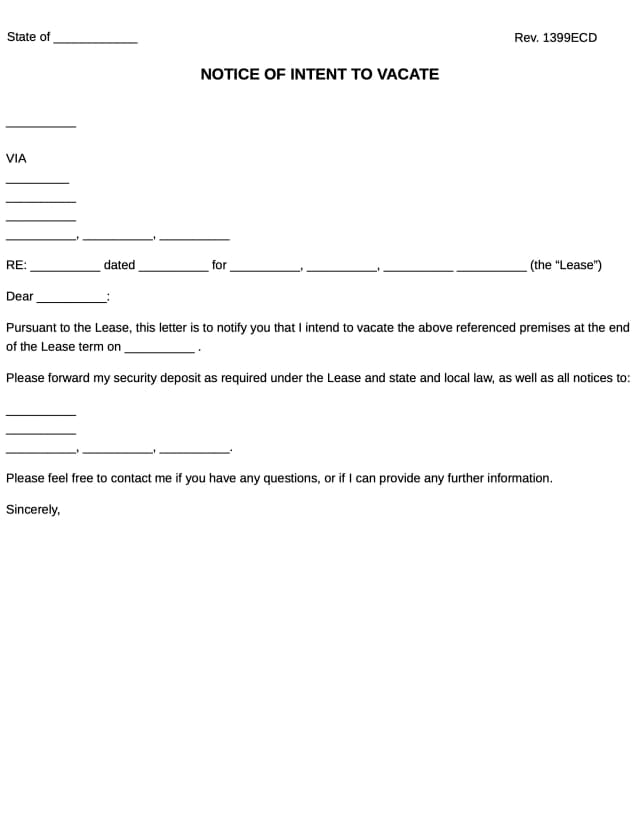
A notice of intent to vacate is a tenant's letter telling the landlord the date they will move out, given with the advance notice the lease or state law requires.
Profi PDF is not affiliated with the IRS, the Social Security Administration or any other government agency. We help you fill out, sign and download the form; you submit it yourself. This page is general information, not tax or legal advice.