Fill out Form 1099-MISC Online in 2026
Report rents, royalties and prizes, and send recipient copies on time


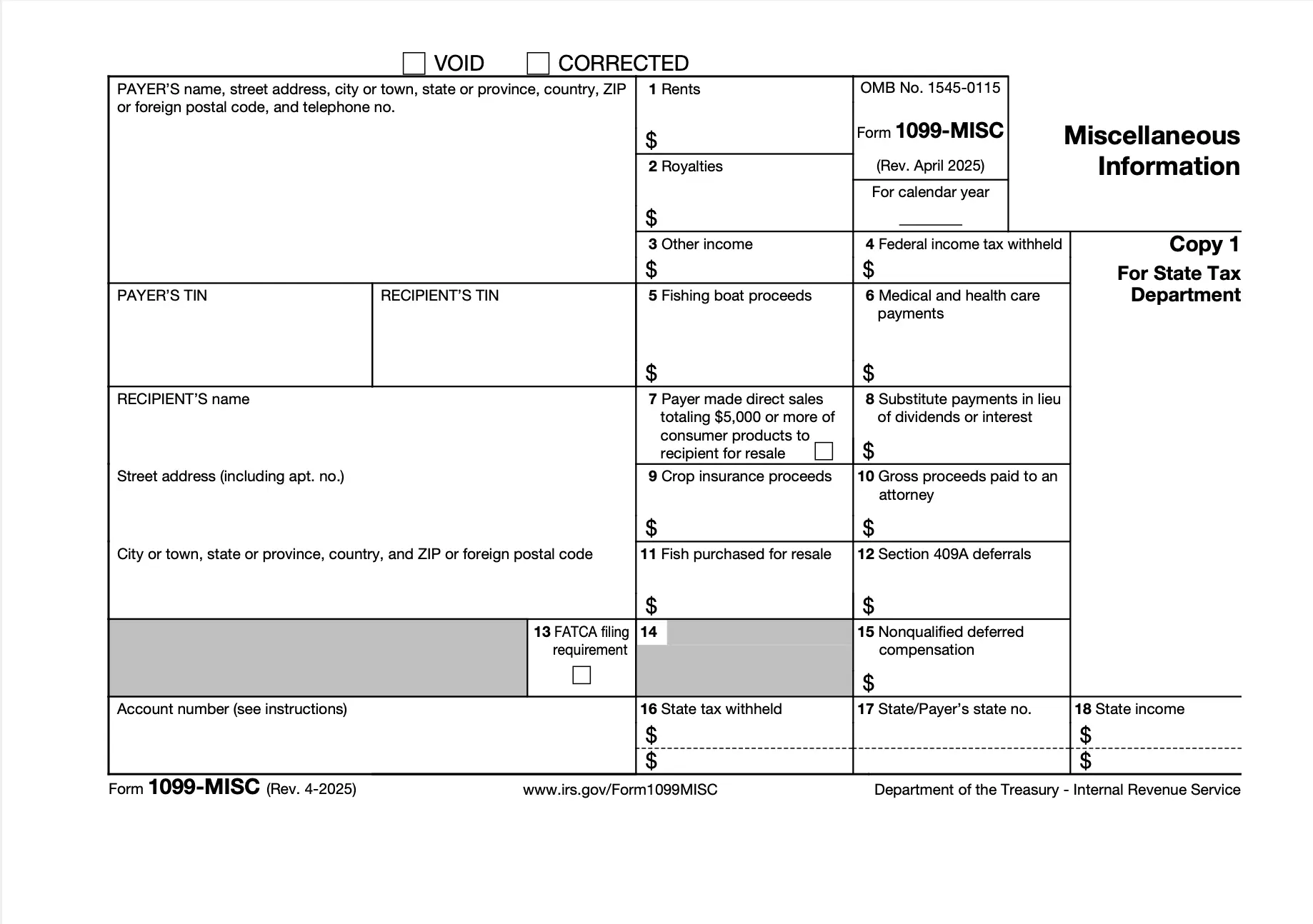
Form version: Rev. April 2025
Forms filled
Forms signed
Forms sent
Fully Integrated With




Get your Form 1099-MISC

Fill out Form 1099-MISC
Enter your personal or business information directly into the form — fast, accurate, and easy.
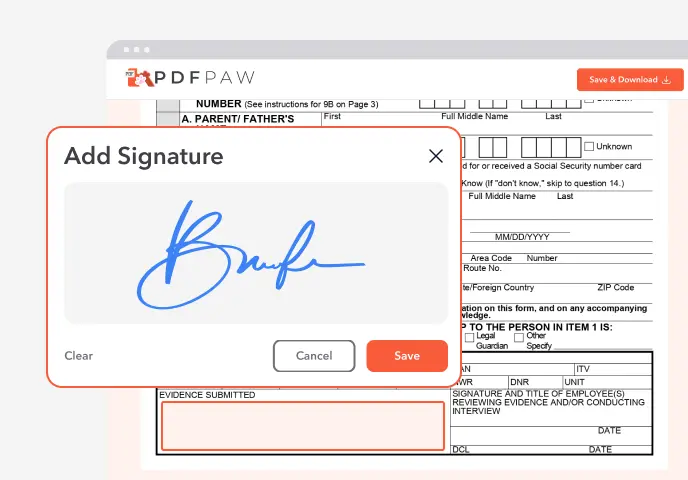
Sign the Form
Add your electronic signature wherever the form asks for one.
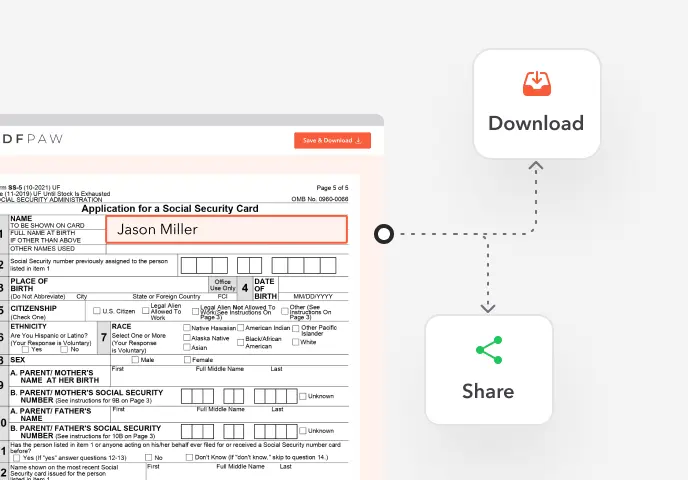
Download or Share
Download your completed Form 1099-MISC instantly or share it with others.
What is Form 1099-MISC?
Form 1099-MISC, Miscellaneous Information, is the IRS information return a business files to report certain payments it made during the year, such as rent, royalties, prizes and awards, and medical payments. The recipient gets a copy to report the income.
Who needs to file Form 1099-MISC?
Businesses that made reportable payments in the course of their trade or business, such as rent for an office, royalties, or prizes to someone who isn't an employee. Personal payments, like rent for your own home, don't count.
How to fill out Form 1099-MISC?

1. Open the 1099-MISC in the Profi PDF editor.
2. Payer: enter your name, address, phone number and taxpayer ID.
3. Recipient: enter their taxpayer ID (from their W-9), name and address, and an account number if you use one.
4. Enter each amount in its box: 1 rents, 2 royalties, 3 other income such as prizes and awards, 4 federal income tax withheld, 6 medical and health care payments, 10 gross proceeds paid to an attorney.
5. Boxes 15–17: enter state tax withheld, your state ID number and state income, if they apply.
6. Download the form, send Copy B to the recipient, and file Copy A with the IRS.
Complete your Form 1099-MISC now!
Report rents, royalties and prizes, and send recipient copies on time
Fill Form
 4.61,340 reviews
 4.513,920 reviews
 4.64,550 reviews
When is Form 1099-MISC due?
Recipients must get their copy by January 31 (February 15 if you report amounts in box 8 or 10). Copy A is due to the IRS by February 28 on paper or March 31 if you file electronically. When a date falls on a weekend or holiday, it moves to the next business day.
Where do I file Form 1099-MISC?
With the IRS: electronically through IRIS or FIRE, or on paper by mailing the official red-ink Copy A with Form 1096 to the address in the instructions. You must file electronically if you file 10 or more information returns in total. Profi PDF helps you fill out the form; it doesn't file it for you.
Do I need to sign Form 1099-MISC?
No, the 1099-MISC has no signature line. If you file on paper, you sign Form 1096, the transmittal that goes with Copy A.
When is Form 1099-MISC not required?
For payments below the threshold, most payments to corporations (attorney fees and medical payments are exceptions), personal payments, wages (reported on a W-2), and payments by card or through apps such as PayPal, which are reported on Form 1099-K.
How to get a blank Form 1099-MISC?
The editor opens with the Rev. April 2025 Form 1099-MISC loaded, so you can fill it out right away.
Complete your Form 1099-MISC now!
Report rents, royalties and prizes, and send recipient copies on time
Fill FormWhat users are saying about our Online Tool


Frequently Asked Questions
Related Forms
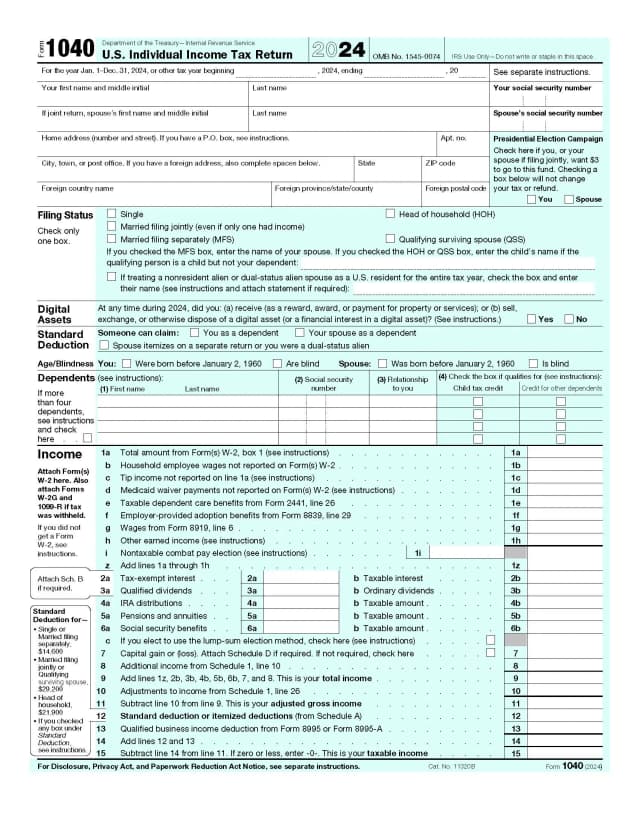
Form 1040 is the U.S. individual income tax return. You use it to report a year's income, claim deductions and credits, and work out your refund or the tax you owe.
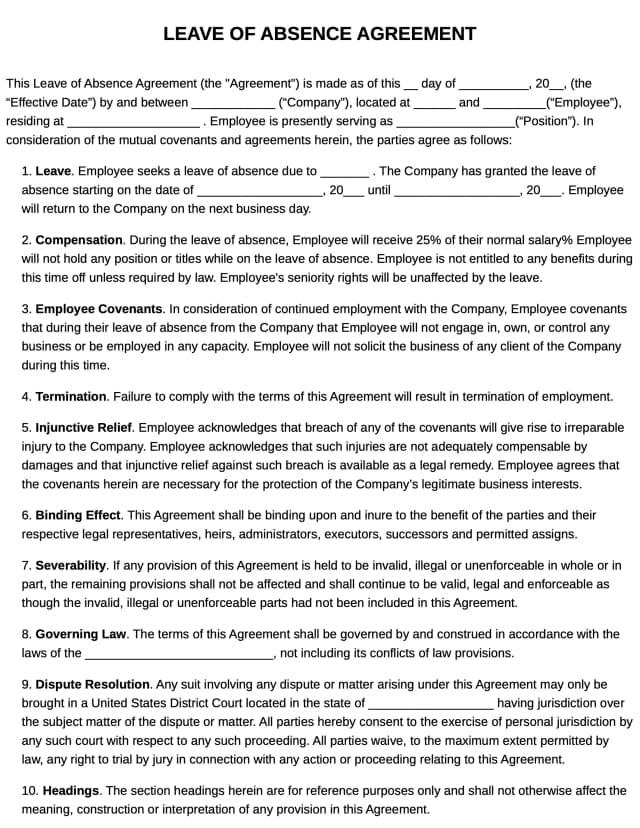
A leave of absence agreement sets out the terms of an employee's extended time off: the dates, pay, benefits and how they return to work.
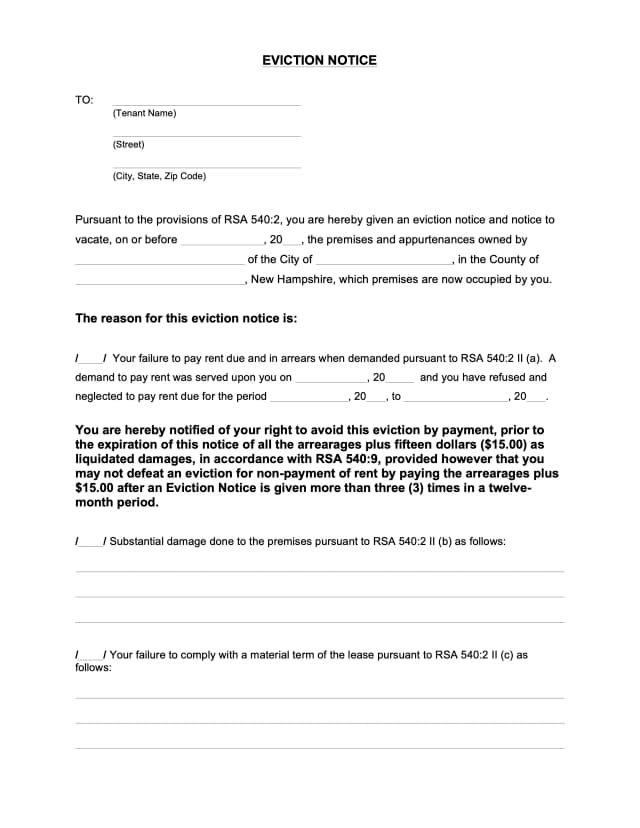
An eviction notice is a landlord's written notice telling a tenant to pay overdue rent, fix a lease violation or move out by a set date, before any court case.
Profi PDF is not affiliated with the IRS, the Social Security Administration or any other government agency. We help you fill out, sign and download the form; you submit it yourself. This page is general information, not tax or legal advice.