Fill out Social Security Card Application Online in 2026
Get your Social Security card application ready to mail or bring in


Form version: Edition 12-2024
Forms filled
Forms signed
Forms sent
Fully Integrated With




Get your Social Security Card Application

Fill out Social Security Card Application
Enter your personal or business information directly into the form — fast, accurate, and easy.
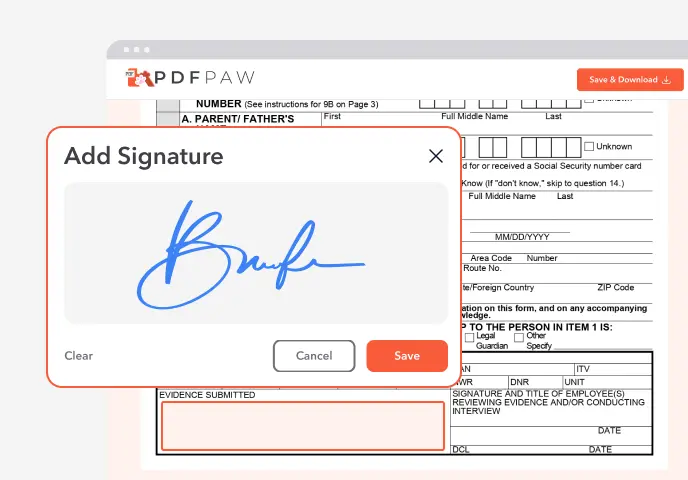
Sign the Form
Add your electronic signature wherever the form asks for one.
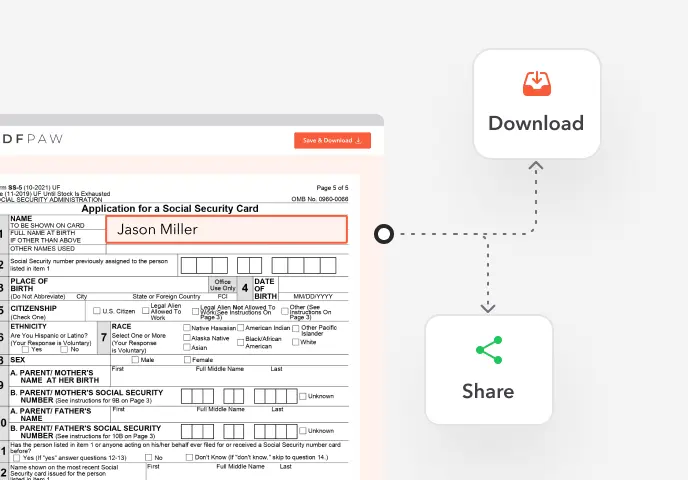
Download or Share
Download your completed Social Security Card Application instantly or share it with others.
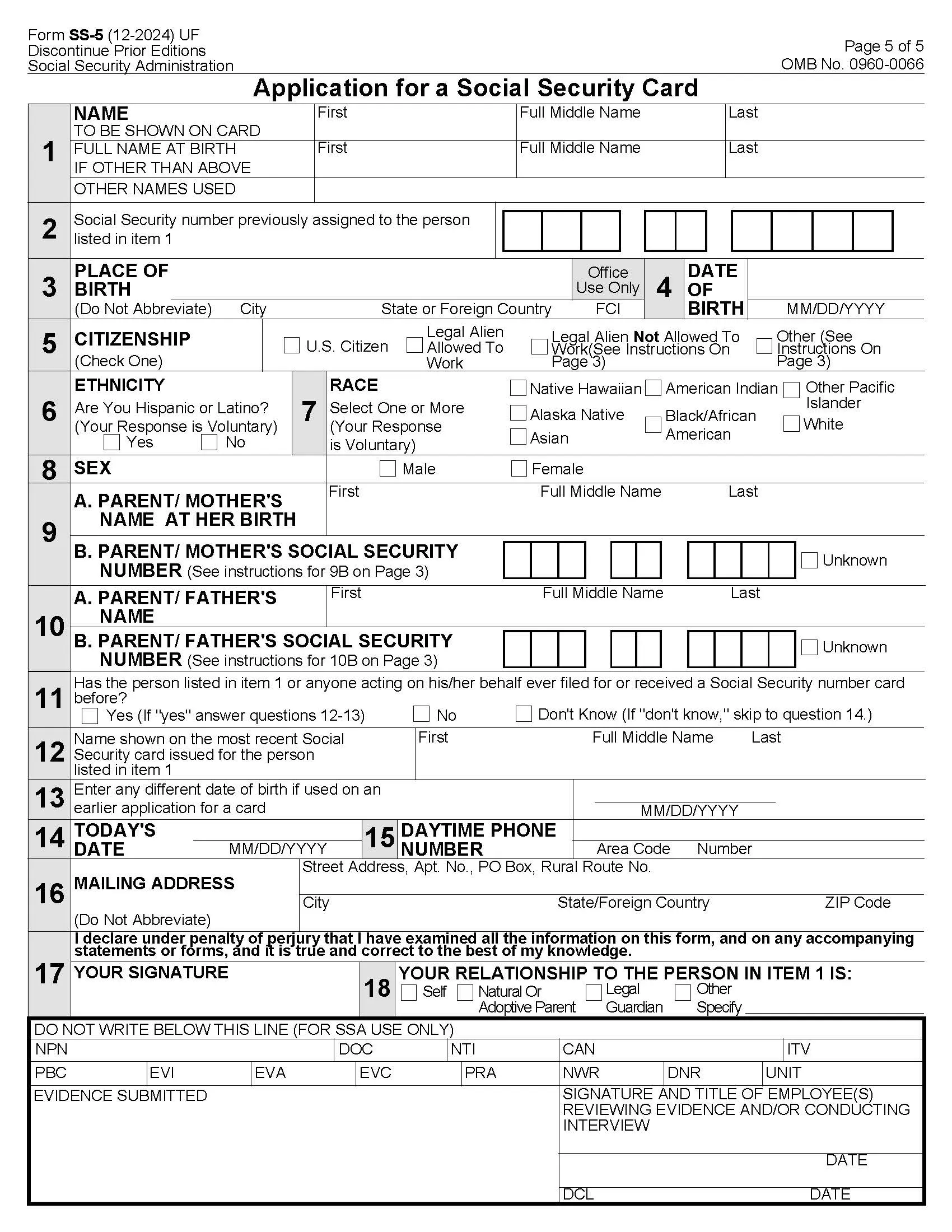
What is Form SS-5?
Form SS-5, Application for a Social Security Card, is the form the Social Security Administration (SSA) uses to assign a new Social Security number, issue a replacement card, or update the name or other details on your record.
Who needs to fill out Form SS-5?
Anyone applying for a first Social Security number, replacing a lost, stolen or damaged card, or correcting their record after a name change. Parents fill it out for a child. Newborns can get a number at the hospital when the birth is registered, without a separate SS-5.
How to fill out Form SS-5?

1. Open the SS-5 in the Profi PDF editor.
2. Enter the name you want printed on the card, plus your full name at birth and any other names you've used.
3. Add your place and date of birth, citizenship and sex. The ethnicity and race questions are optional.
4. Fill in your parents' names and, if you know them, their Social Security numbers.
5. Answer the questions about earlier applications and cards, then add your phone number and mailing address.
6. Sign and date the form. When applying for a child, a parent or legal guardian signs and states the relationship.
7. Download and print it, then mail it or take it to a Social Security office with your original documents.
Complete your Social Security Card Application now!
Get your Social Security card application ready to mail or bring in
Fill Form
 4.61,340 reviews
 4.513,920 reviews
 4.64,550 reviews
Where do I submit Form SS-5?
Mail it with your documents to your local Social Security office, or bring it in person. If you're 12 or older and have never had a Social Security number, you must apply in person. Many replacement cards can also be requested online. Profi PDF helps you fill out the form; it doesn't submit it for you.
Do I need to sign Form SS-5?
Yes. The applicant signs, or a parent or legal guardian for a child. If you mail the form, print it and sign in ink.
When is Form SS-5 not required?
You don't need it if you already have a number and your card is fine, if you can request a replacement online, or if your newborn's number was requested at the hospital.
Is there a deadline for Form SS-5?
No. Apply when you need a number or a new card. After a name change, update your Social Security record before you file taxes, so the name on your return matches SSA records.
How long does it take to get the card?
SSA mails the card once it has verified your documents. It usually arrives within a few weeks.
Complete your Social Security Card Application now!
Get your Social Security card application ready to mail or bring in
Fill FormWhat users are saying about our Online Tool


Frequently Asked Questions
Related Forms
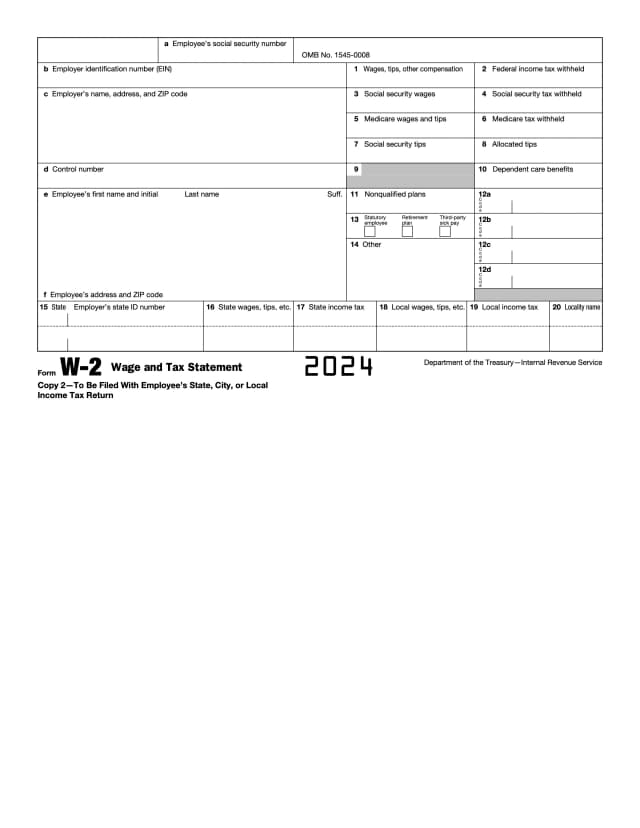
Form W-2 is the wage and tax statement an employer gives each employee after the year ends. It shows the wages paid and the federal, state and payroll taxes withheld.
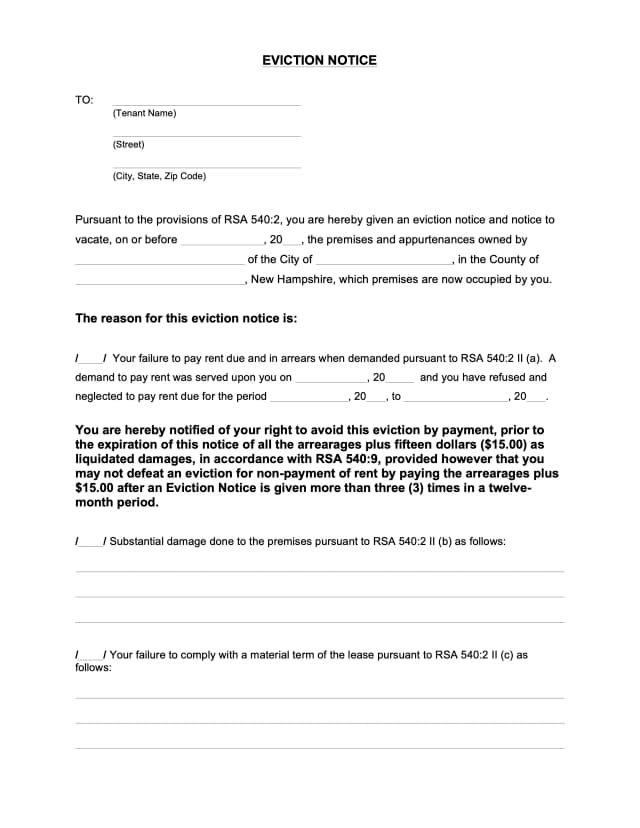
An eviction notice is a landlord's written notice telling a tenant to pay overdue rent, fix a lease violation or move out by a set date, before any court case.
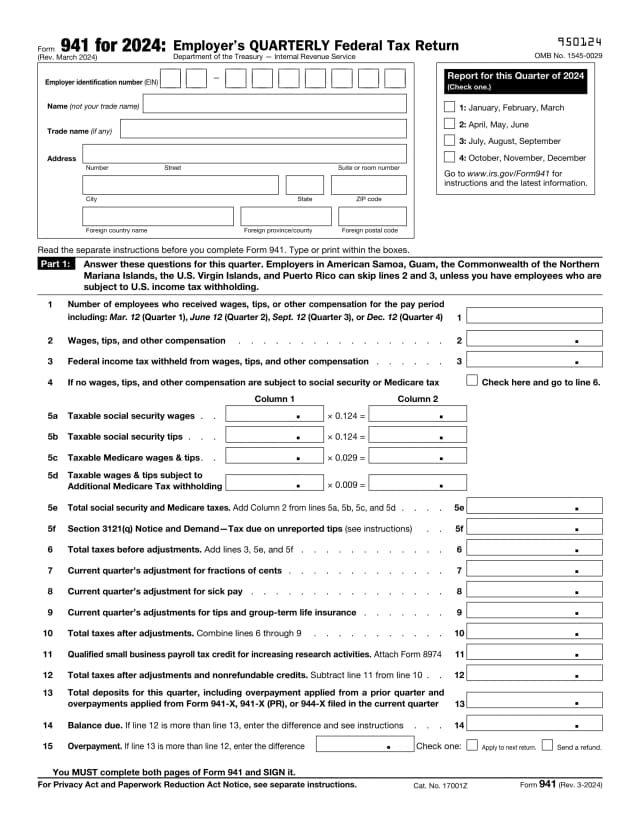
Form 941 is the employer's quarterly federal tax return. It reports wages paid, federal income tax withheld, and both the employee's and employer's share of Social Security and Medicare tax.
Profi PDF is not affiliated with the IRS, the Social Security Administration or any other government agency. We help you fill out, sign and download the form; you submit it yourself. This page is general information, not tax or legal advice.