Fill out Certificate of Liability Insurance Online in 2026
Prepare an ACORD 25 certificate for your agent or broker to sign


Form version: ACORD 25 (2016/03)
Forms filled
Forms signed
Forms sent
Fully Integrated With




Get your Certificate of Liability Insurance

Fill out Certificate of Liability Insurance
Enter your personal or business information directly into the form — fast, accurate, and easy.
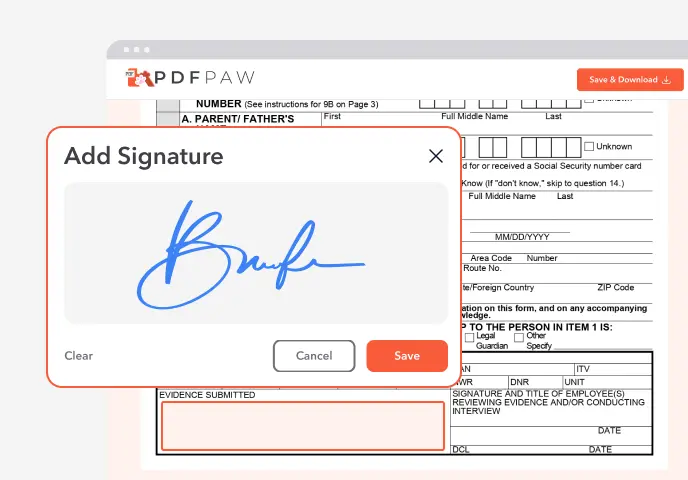
Sign the Form
Add your electronic signature wherever the form asks for one.
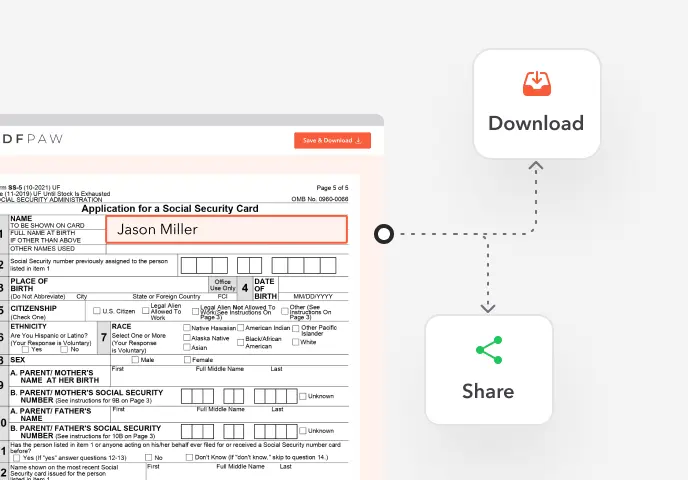
Download or Share
Download your completed Certificate of Liability Insurance instantly or share it with others.
What is a certificate of liability insurance?
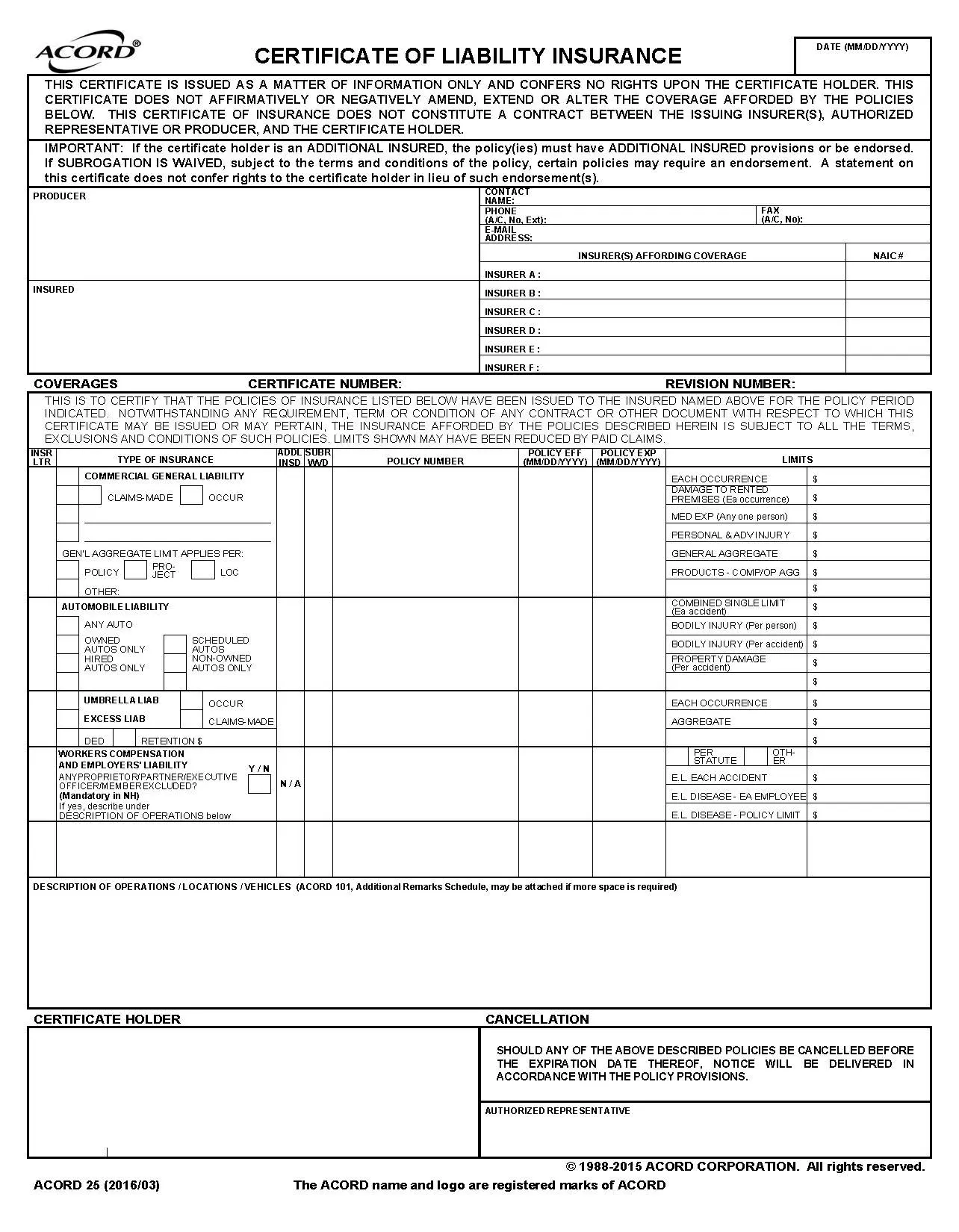
A certificate of liability insurance (COI) is a one-page document, usually the ACORD 25 form, that summarizes a business's active liability policies: the insurers, policy numbers, dates and limits. Clients and partners ask for it as proof that the business is insured.
When is a certificate of liability insurance required?
Clients ask for a COI before signing a contract, general contractors before letting subcontractors on site, landlords before handing over a lease, and event venues before setting up a booth. Many contracts also require it to be renewed each year.
How to fill out a certificate of liability insurance?
1. Open the ACORD 25 in the Profi PDF editor.
2. Producer: enter the agency's name, address and contact details.
3. Insured: enter the business's legal name and address exactly as they appear on the policy.
4. Insurers A–F: list each insurance company with its NAIC number.
5. For each policy (general liability, auto, umbrella, workers' compensation), enter the insurer letter, policy number, effective and expiration dates, and limits.
6. Description of operations: describe the project or location, plus any additional insured or waiver of subrogation wording the holder asked for, but only where the policy has the matching endorsement.
7. Certificate holder: enter the name and address of the party that asked for the certificate.
8. The agent or broker signs as authorized representative.
9. Download the PDF and send it to the certificate holder.
Complete your Certificate of Liability Insurance now!
Prepare an ACORD 25 certificate for your agent or broker to sign
Fill Form
 4.61,340 reviews
 4.513,920 reviews
 4.64,550 reviews
What are the parts of a certificate of liability insurance?
Producer (the agency), insured (the business), insurers affording coverage, coverages (policy types, numbers, dates and limits), description of operations, certificate holder, cancellation notice, and the authorized representative signature.
Who issues a certificate of liability insurance?
The insurance company or the agent or broker who placed the policy. They confirm the policies listed are active and sign as authorized representative.
How do I get a certificate of liability insurance?
Ask your insurance agent or broker, and tell them who needs it and any wording the holder asked for. Agents can usually send one the same day. If you prepare the details in Profi PDF first, your agent only has to check and sign them.
Complete your Certificate of Liability Insurance now!
Prepare an ACORD 25 certificate for your agent or broker to sign
Fill FormWhat users are saying about our Online Tool


Frequently Asked Questions
Related Forms
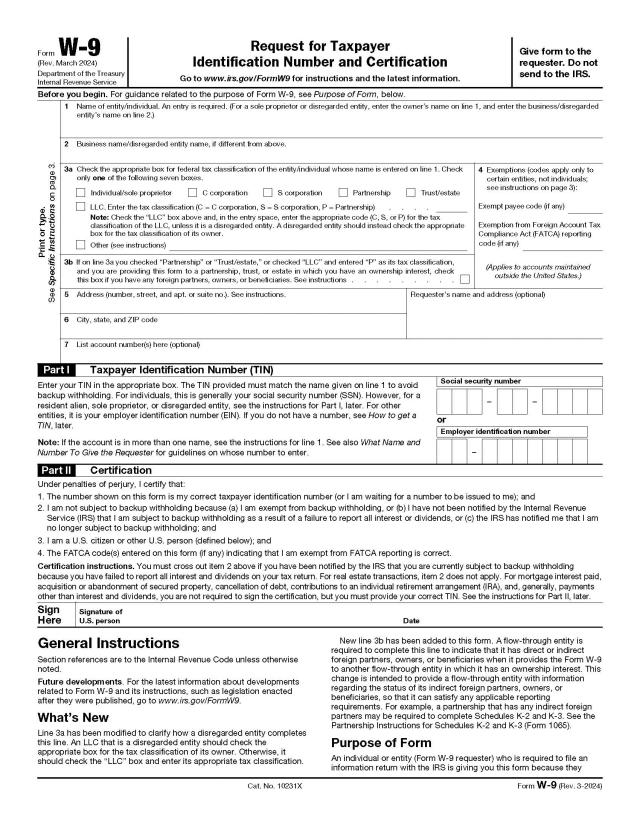
Form W-9 gives a client or payer your name, tax classification and taxpayer ID number (SSN or EIN), so they can report what they pay you to the IRS.
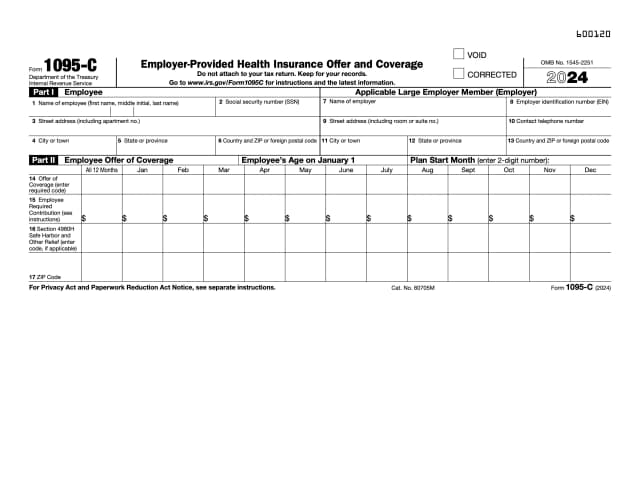
Form 1095-C is the statement large employers (50 or more full-time employees) file for each full-time employee. It shows the health coverage offered each month, as the Affordable Care Act requires.
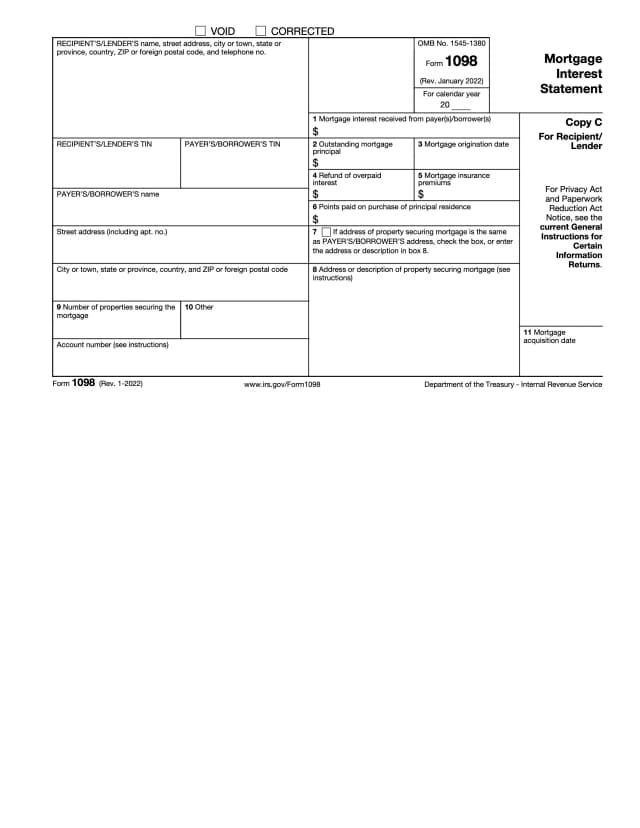
Form 1098 is the mortgage interest statement a lender sends the borrower and the IRS when it receives $600 or more in mortgage interest in a year. Homeowners use it to deduct that interest.
Profi PDF is not affiliated with the IRS, the Social Security Administration or any other government agency. We help you fill out, sign and download the form; you submit it yourself. This page is general information, not tax or legal advice.