Fill out Form 1040 for 2025 tax season
Fill in, check and print your federal income tax return


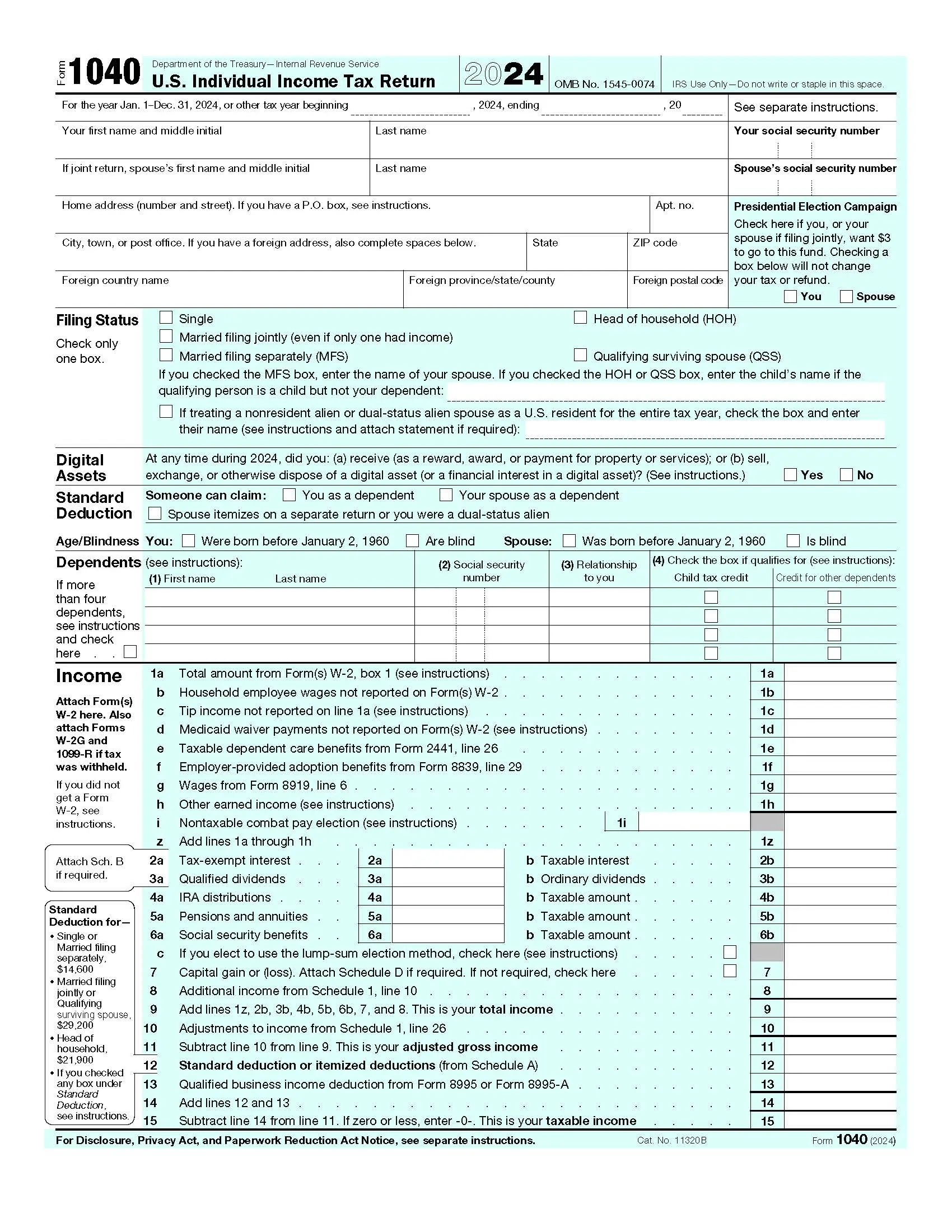
Form version: 2024 Form 1040
Forms filled
Forms signed
Forms sent
Fully Integrated With




Get your Form 1040

Fill out Form 1040
Enter your personal or business information directly into the form — fast, accurate, and easy.
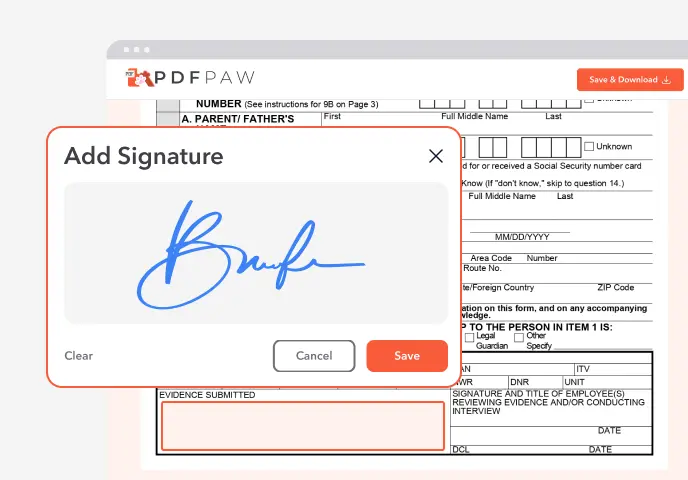
Sign the Form
Add your electronic signature wherever the form asks for one.
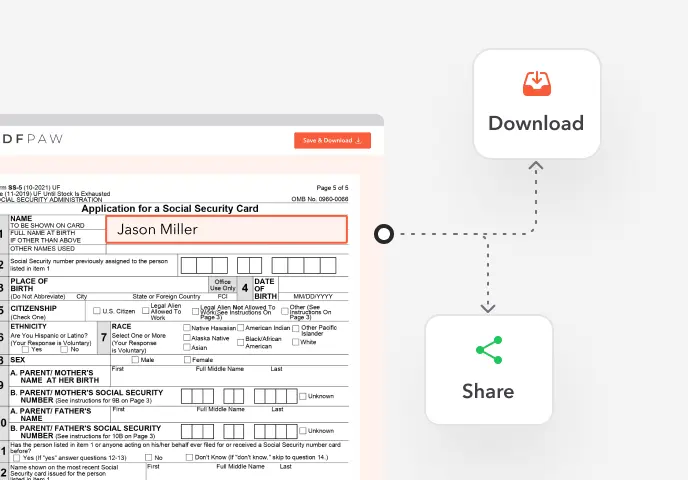
Download or Share
Download your completed Form 1040 instantly or share it with others.
What is Form 1040?
Form 1040, U.S. Individual Income Tax Return, is the form most people use to file their federal income taxes. It brings together your income, adjustments, deductions, credits and payments, and shows whether you get a refund or owe tax.
Who needs to file Form 1040?
Whether you must file depends on your filing status, age and gross income; the IRS publishes the thresholds for each year. You also have to file if you had $400 or more in self-employment earnings. Even if you don't have to, filing gets back tax that was withheld and refundable credits.
How to fill out Form 1040?
1. Gather your W-2s, 1099s and records of deductions, then open the 1040 in the Profi PDF editor.
2. At the top of page 1, enter your name, SSN, address and filing status, and list your dependents.
3. Lines 1–9: report wages from W-2 box 1, interest, dividends, IRA and pension distributions, Social Security benefits, capital gains, and other income from Schedule 1.
4. Enter adjustments from Schedule 1, Part II, to reach your adjusted gross income on line 11.
5. Subtract the standard deduction, or itemized deductions from Schedule A, to get your taxable income.
6. Work out your tax, then subtract credits such as the child tax credit, using Schedules 2 and 3 where needed.
7. Enter payments: tax withheld on W-2s and 1099s, estimated payments and refundable credits.
8. Enter your refund (with direct deposit details) or the amount you owe.
9. Download and print the return, sign page 2 (both spouses if filing jointly), attach your W-2s and mail it.
Complete your Form 1040 now!
Fill in, check and print your federal income tax return
Fill Form
 4.61,340 reviews
 4.513,920 reviews
 4.64,550 reviews
When is Form 1040 due?
Usually April 15, or the next business day when it falls on a weekend or holiday. With Form 4868 you get until October 15 to file, but tax you owe is still due in April.
Where do I file Form 1040?
Mail it to the IRS address for your state. The address also depends on whether you enclose a payment, and the Form 1040 instructions list them all. Profi PDF helps you fill out the form; it doesn't file it for you.
Do I need to sign Form 1040?
Yes. An unsigned return is not valid, and on a joint return both spouses sign. For a return you mail, print it and sign in ink.
When is Form 1040 not required?
If your income is below the filing threshold for your status and age, and no special rule applies (such as self-employment income), you don't have to file. You may still want to, to claim a refund of withheld tax or refundable credits.
How to get a blank Form 1040?
The editor opens with the 2024 Form 1040 loaded, so you can start right away. Make sure you use the form for the tax year you are filing.
What users are saying about our Online Tool


Frequently Asked Questions
Related Forms
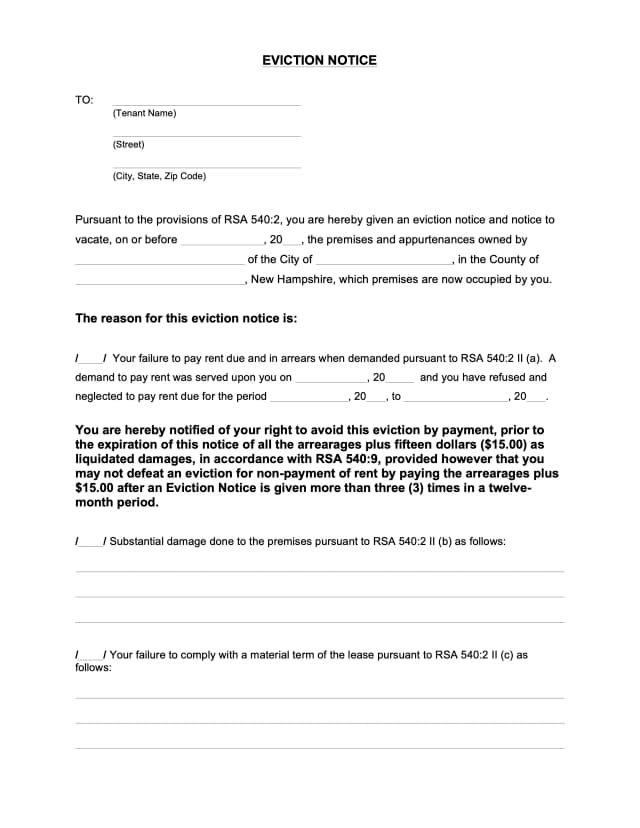
An eviction notice is a landlord's written notice telling a tenant to pay overdue rent, fix a lease violation or move out by a set date, before any court case.
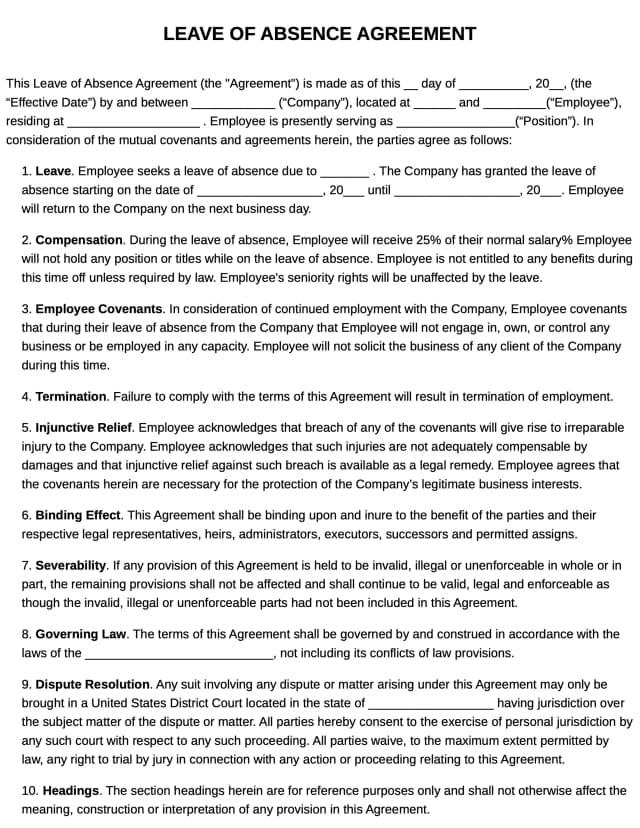
A leave of absence agreement sets out the terms of an employee's extended time off: the dates, pay, benefits and how they return to work.
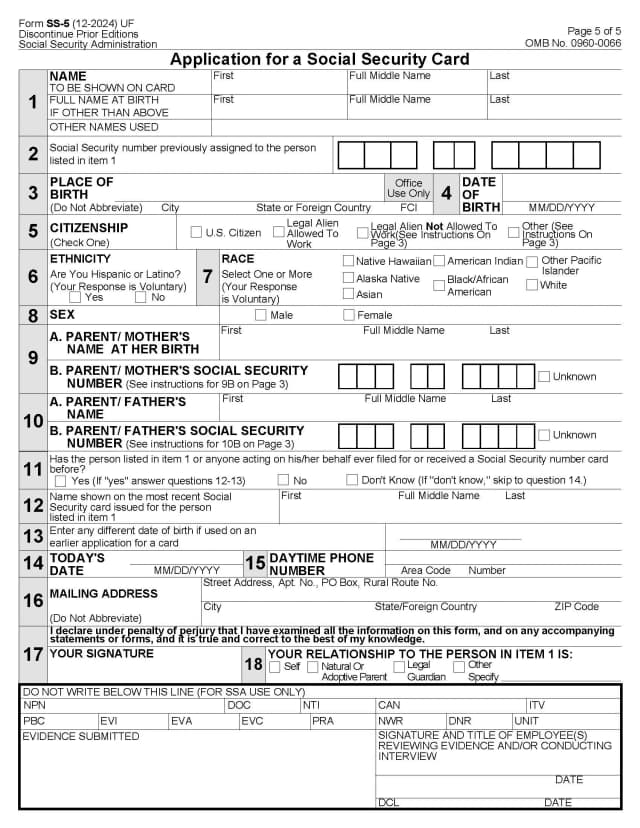
Form SS-5 is the application for an original, replacement or corrected Social Security card, for example after a name change or when a card is lost.
Profi PDF is not affiliated with the IRS, the Social Security Administration or any other government agency. We help you fill out, sign and download the form; you submit it yourself. This page is general information, not tax or legal advice.