Fill out Form W-2 Online in 2026
Prepare clear W-2 copies for every employee


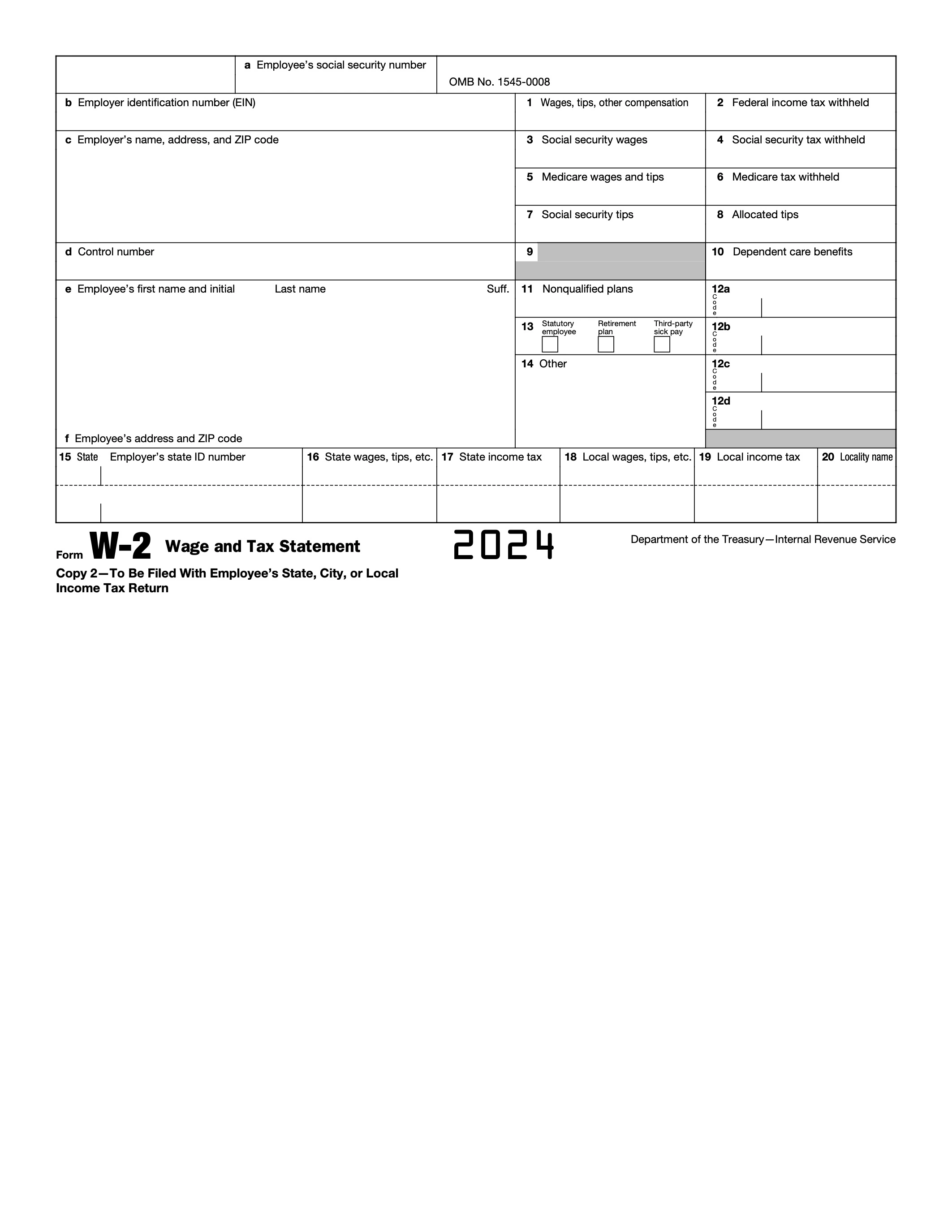
Form version: 2024 Form W-2
Forms filled
Forms signed
Forms sent
Fully Integrated With




Get your Form W-2

Fill out Form W-2
Enter your personal or business information directly into the form — fast, accurate, and easy.
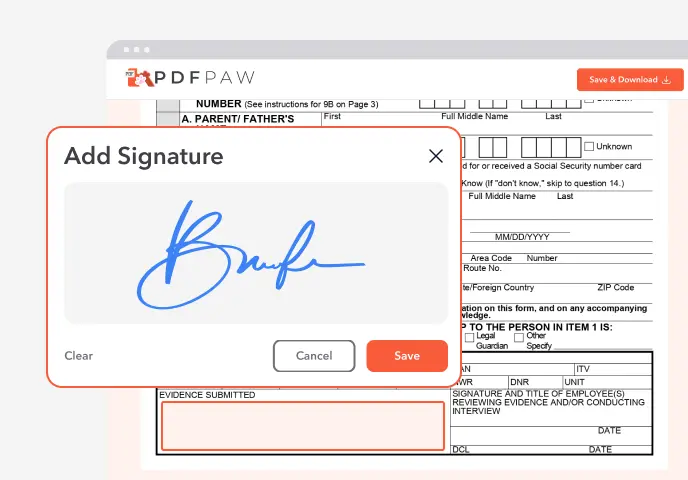
Sign the Form
Add your electronic signature wherever the form asks for one.
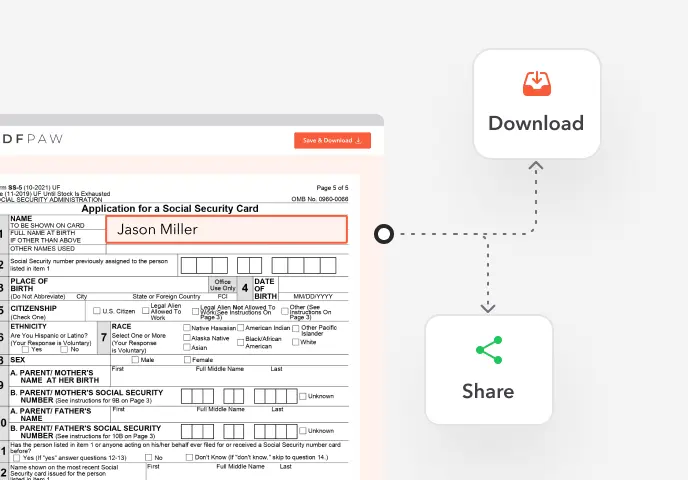
Download or Share
Download your completed Form W-2 instantly or share it with others.
What is Form W-2?
Form W-2, Wage and Tax Statement, reports an employee's annual wages and the taxes withheld from them. The employer sends it to the employee and to the Social Security Administration, and the employee uses it to file their tax return.
Who needs to fill out Form W-2?
Employers fill out a W-2 for each employee they paid $600 or more in wages during the year, and for any employee whose pay had income, Social Security or Medicare tax withheld.
How to fill out Form W-2?

1. Open the W-2 in the Profi PDF editor with your payroll totals for the year at hand.
2. Boxes a–f: enter the employee's SSN, your EIN, your name and address, an optional control number, and the employee's name and address.
3. Boxes 1–2: enter federal taxable wages and federal income tax withheld.
4. Boxes 3–6: enter Social Security wages and tax withheld, and Medicare wages and tax withheld.
5. Boxes 7–11: enter Social Security tips, allocated tips, dependent care benefits and nonqualified plan amounts, if any.
6. Box 12: enter codes and amounts. Box 13: check statutory employee, retirement plan or third-party sick pay if they apply.
7. Boxes 15–20: enter state and local wages and taxes.
8. Download the form and give the employee Copies B, C and 2. File Copy A with the SSA electronically, with the W-3 totals.
Complete your Form W-2 now!
Prepare clear W-2 copies for every employee
Fill Form
 4.61,340 reviews
 4.513,920 reviews
 4.64,550 reviews
When is Form W-2 due?
January 31 for both the employee copies and the SSA filing, or the next business day when it falls on a weekend or holiday. Extensions are limited and must be requested with Form 8809.
Where do I file Form W-2?
With the Social Security Administration, not the IRS. File electronically through Business Services Online, or mail the official red-ink Copy A with Form W-3 to the SSA address in the instructions. Profi PDF helps you fill out the form; it doesn't file it for you.
Do I need to sign Form W-2?
No, the W-2 has no signature line. When you file on paper, the employer signs Form W-3, the transmittal sent with Copy A.
When is Form W-2 not required?
For independent contractors, who get Form 1099-NEC instead, and for employees paid less than $600 in the year with nothing withheld.
How to get a blank Form W-2?
The editor opens with the 2024 Form W-2 loaded. Make sure you use the form for the year you are reporting.
What users are saying about our Online Tool


Frequently Asked Questions
Related Forms
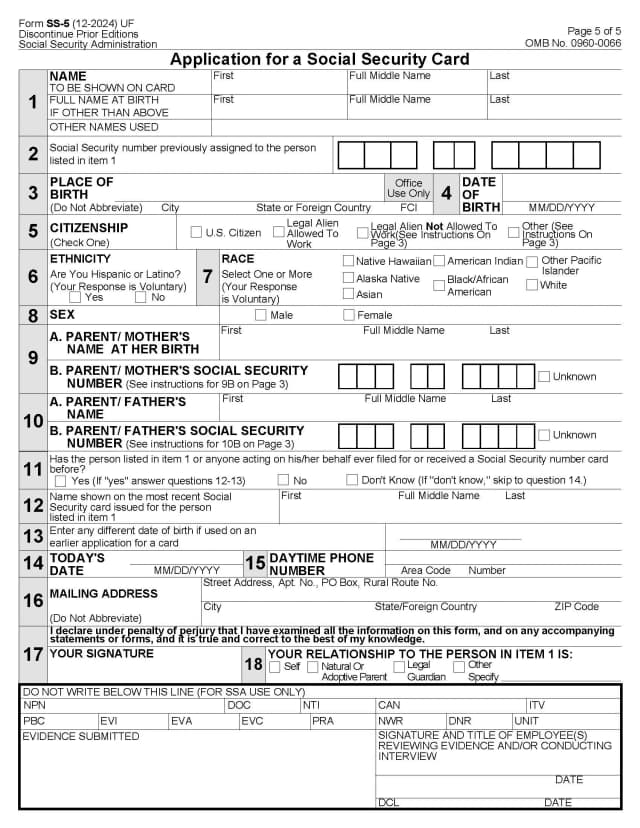
Form SS-5 is the application for an original, replacement or corrected Social Security card, for example after a name change or when a card is lost.
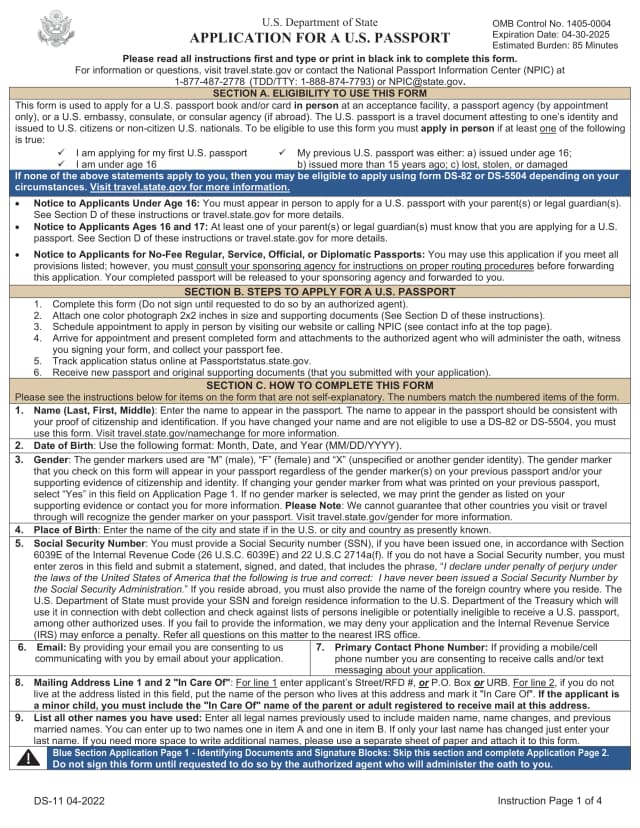
Form DS-11 is the application for a U.S. passport in person: for a first passport, a child under 16, or a passport that was lost, stolen, damaged or issued more than 15 years ago.
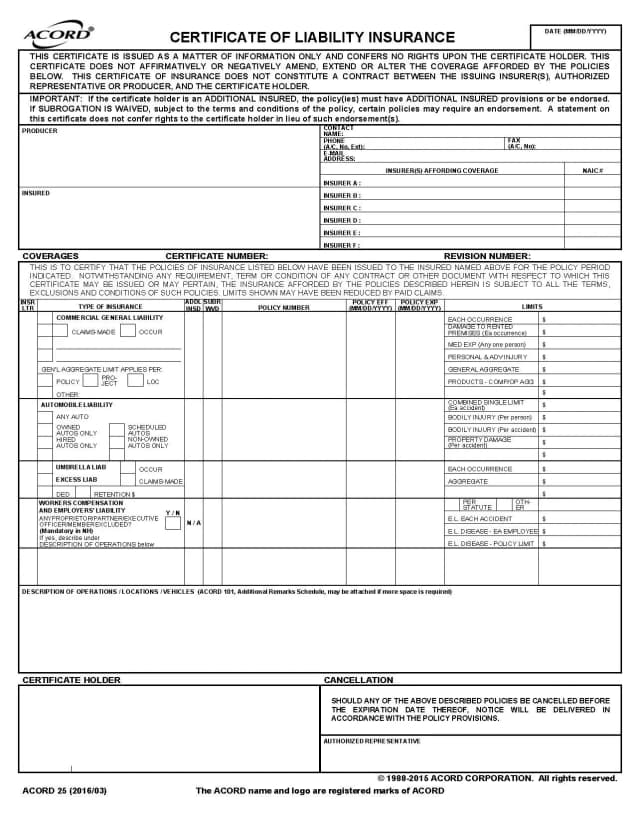
A certificate of liability insurance (COI, ACORD 25) is a one-page summary of a business's liability policies that clients, landlords and general contractors ask for. The insurance agent or broker issues and signs it.
Profi PDF is not affiliated with the IRS, the Social Security Administration or any other government agency. We help you fill out, sign and download the form; you submit it yourself. This page is general information, not tax or legal advice.