PDF to DXF Converter
Turn your PDF drawings into DXF files you can open and edit in AutoCAD and other CAD apps.


or
Size up to 250 MB
Size up to 250 MB
How to convert PDF to DXF
Quick and easy file conversion in a few steps.
See the Results for Yourself
Compare the original files with the converted version to see the quality.
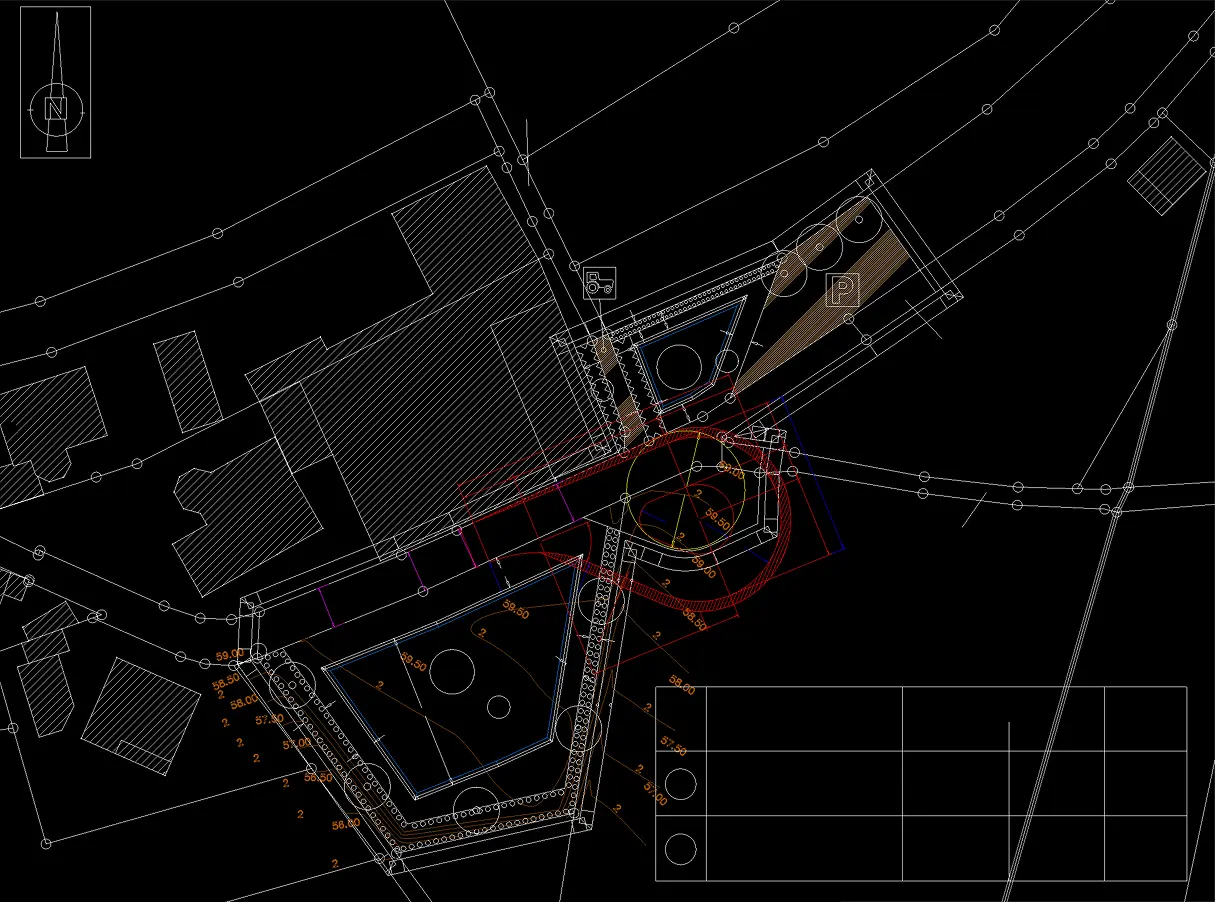
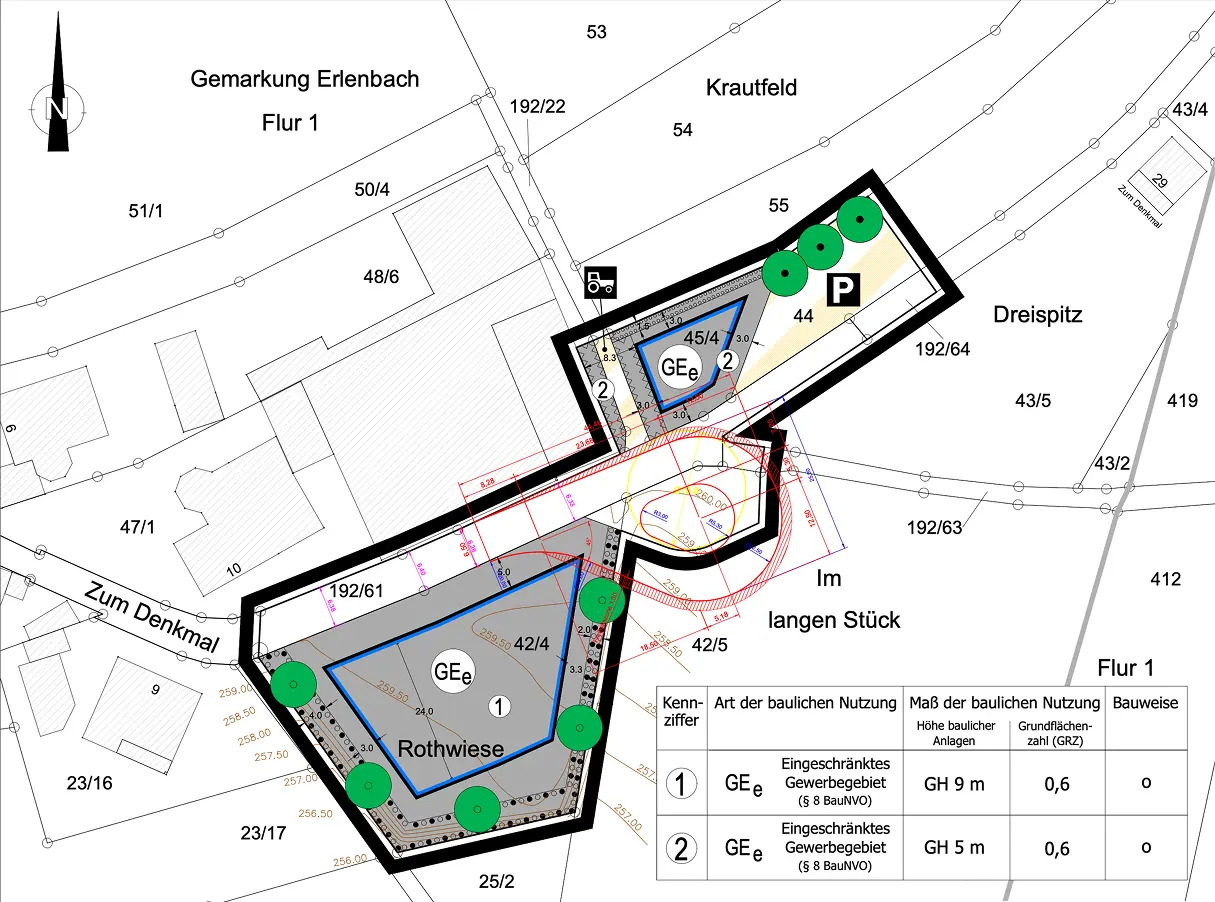
Trusted by People Like You
See how our fellow users feel about our PDF to DXF converter.


Trusted and Secured by Industry Experts





What makes our PDF to DXF tool exceptional
From documents to images—convert your files however you need.
Ready for CAD
Convert PDFs to DXF to use them in CAD software, a must for architecture and engineering work.
Fast Conversion
Get your DXF file quickly and keep your project moving.
Easy to Use
Upload your PDF and download the DXF. No CAD skills needed to convert.
More CAD Formats
Besides PDF to DXF, Profi PDF handles DWG and many other formats.
Lines & Text Kept
Get accurate DXF files that keep the lines and text of your PDF for precise CAD work.
Nothing to Install
Profi PDF works online, so you can convert from anywhere without installing software.
Try our PDF to DXF converter tool
Quick and easy conversions in a few steps
Convert PDF to DXF 4.61,340 reviews
 4.513,920 reviews
 4.64,550 reviews
Frequently Asked Questions
Quick answers to common questions.