Fill Out PDF Online
Type into any PDF form, add your signature and download it filled in.


or
Size up to 250 MB
Size up to 250 MB
How to Fill PDF Online
Quick and easy PDF editing in a few steps.
Trusted by People Like You
See how our fellow users Fill PDF with Profi PDF.


Trusted and Secured by Industry Experts





Why choose our tool to Fill PDF
Fill Any Form
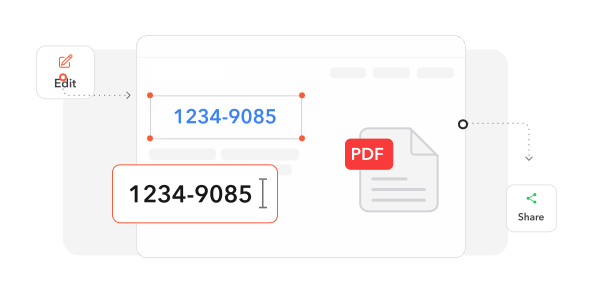
Type into fields, add images and signatures, and work with interactive form fields.
Save in the Format You Need
Download your completed form as a PDF, a Word file or an image.
Add a Password if Needed
Password-protect a filled-in form so only the right people can open it.
Layout Stays Intact
Fonts, formatting and design stay exactly as they were in the original form.
Your Forms, Always Handy
Completed forms are saved in your account, ready to open again from any device.
Private and Protected
Your details travel over an encrypted connection while you fill in your form.
Fill PDF documents online
Quick and easy, no software required
Fill PDF Now 4.61,340 reviews
 4.513,920 reviews
 4.64,550 reviews
Frequently Asked Questions
Find quick answers to questions about getting the most out of our tool.