Sign PDF Online
Draw, type or upload your signature and sign any PDF in minutes — no printing or scanning.


or
Size up to 250 MB
Size up to 250 MB
How to Sign PDF Online
Quick and easy PDF editing in a few steps.
Trusted by People Like You
See how our fellow users Sign PDF with Profi PDF.


Trusted and Secured by Industry Experts



Why choose our tool to Sign PDF
Skip the Printer
No printing, signing by hand and scanning — sign on screen and save paper too.
Sign Your Way
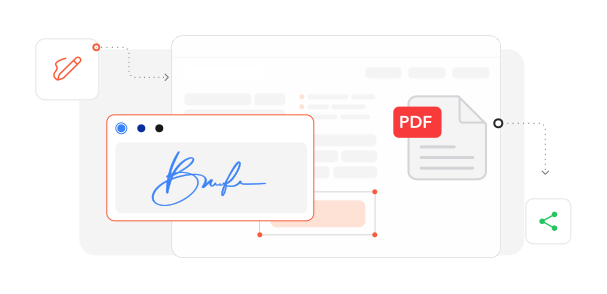
Draw with your finger or mouse, type your name in a signature font, or upload an image of your signature.
Nothing to Install
Sign documents right away in any browser, on any device.
Private and Protected
Your documents travel over an encrypted connection while you sign them.
Widely Accepted E-Signatures
Electronic signatures are legally recognized for most everyday documents in many countries, including the US and the EU.
Prepare and Sign in One Place
Fill in, edit and sign your document in the same editor.
Sign PDF documents online
Quick and easy, no software required
Sign PDF Now 4.61,340 reviews
 4.513,920 reviews
 4.64,550 reviews
Frequently Asked Questions
Find quick answers to questions about getting the most out of our tool.