PDF to SVG Converter
Turn your PDF into a scalable SVG that stays sharp at any size, on any screen.


or
Size up to 250 MB
Size up to 250 MB
How to convert PDF to SVG
Quick and easy file conversion in a few steps.
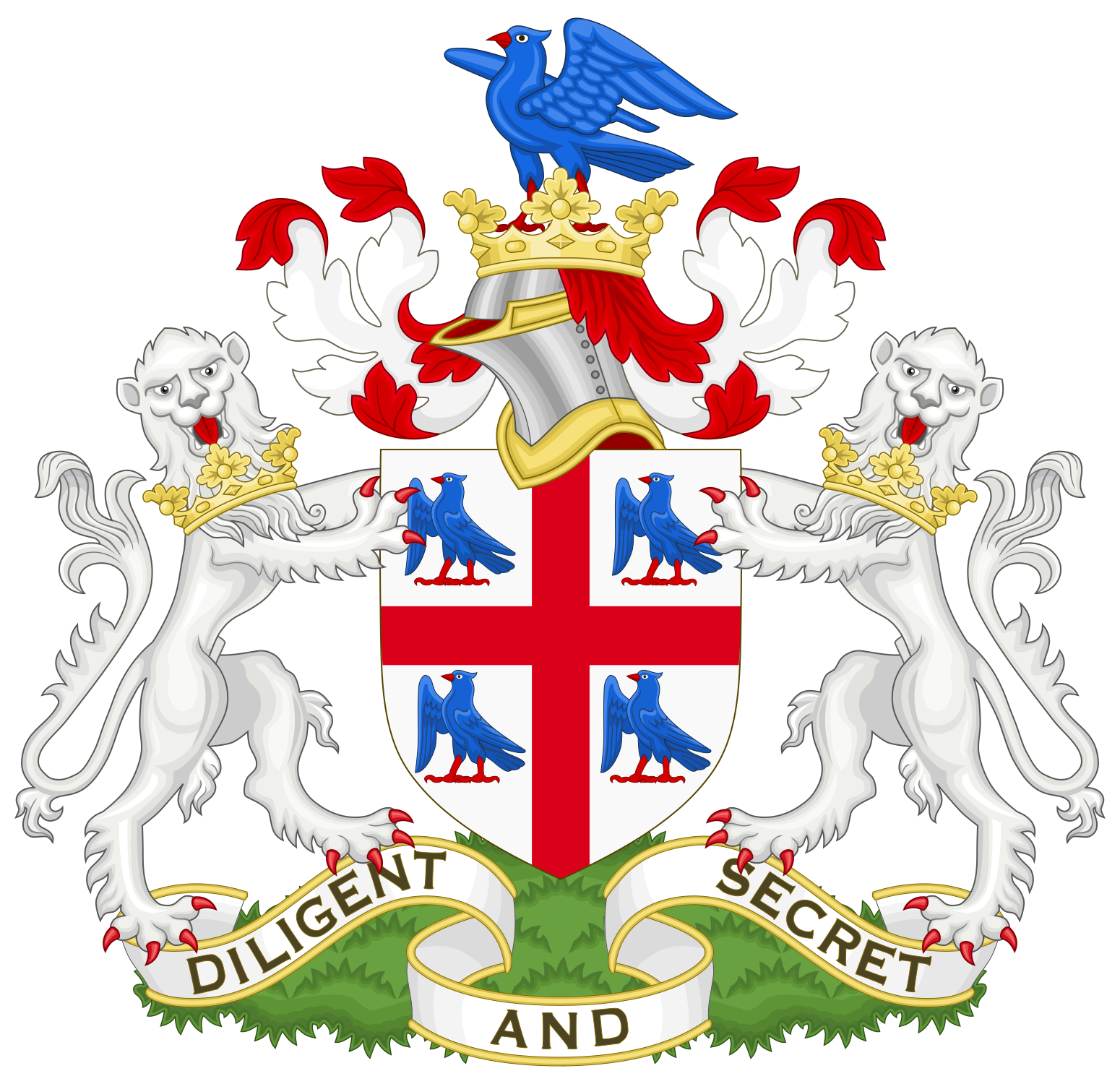
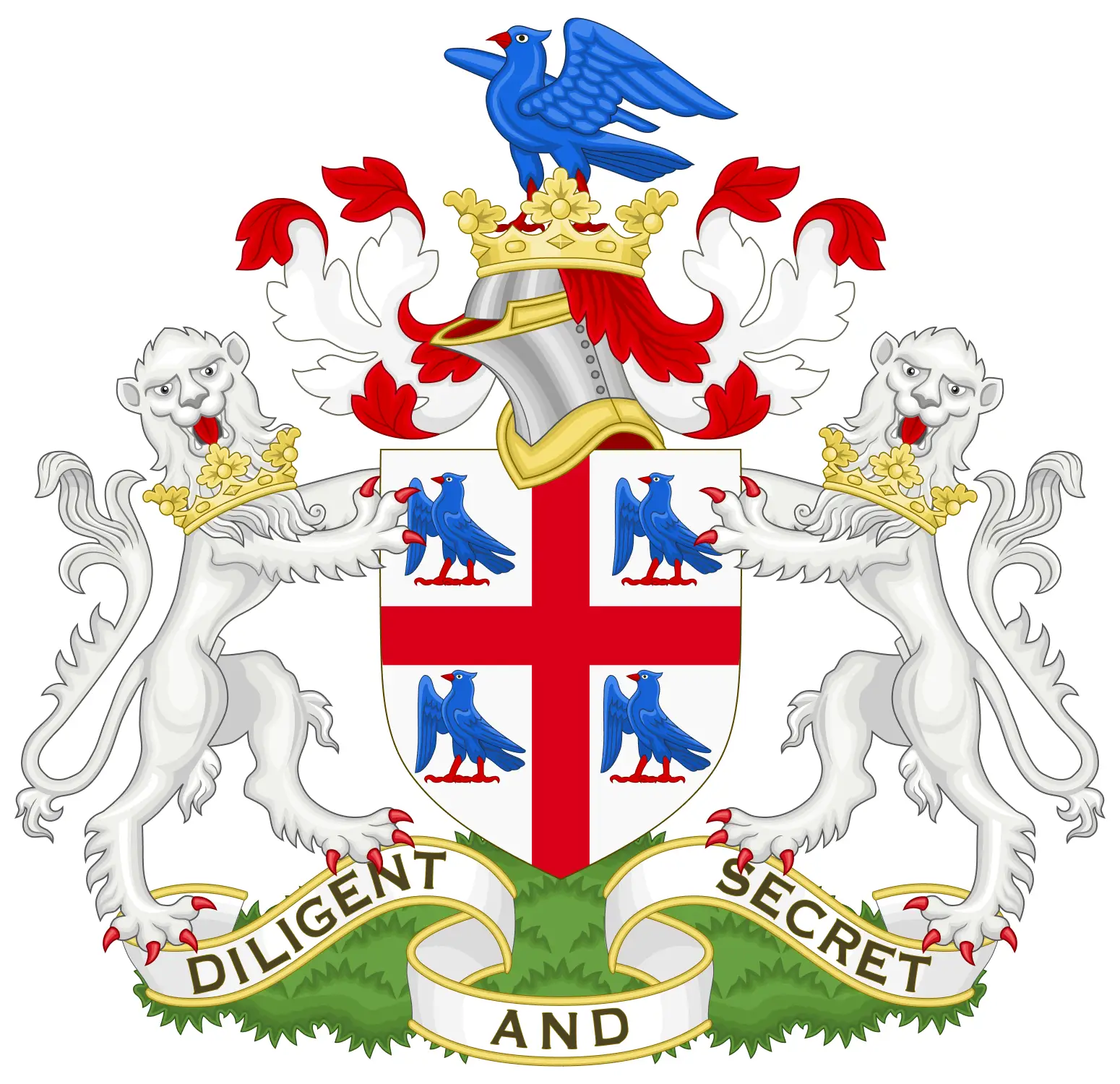
See the Results for Yourself
Compare the original images with the vectorized version to see the quality.
Trusted by People Like You
See how our fellow users feel about our PDF to SVG converter.


Trusted and Secured by Industry Experts

What makes our PDF to SVG tool exceptional
From documents to images—convert your files however you need.
Design Kept
Every design element stays in place, so your SVG looks like the original.
Sharp Graphics
Raster images in your PDF are turned into vectors, so your SVG stays clear and sharp.
Fits Any Screen
SVG files keep their layout on every device and scale without losing detail.
Quick & Simple
Upload your PDF and get an SVG in moments, right in your browser. No downloads needed.
Text & Shapes Kept
Text, fonts and shapes become scalable vector graphics that match your original PDF.
Smaller Files
SVG files are often smaller and load faster, which makes them great for websites.
Try our PDF to SVG converter tool
Quick and easy conversions in a few steps
Convert PDF to SVG 4.61,340 reviews
 4.513,920 reviews
 4.64,550 reviews
Frequently Asked Questions
Quick answers to common questions.