Annotate PDF Online
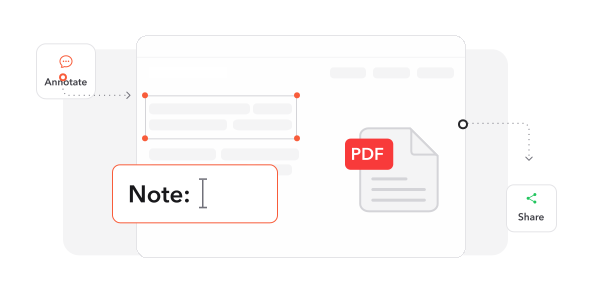
Highlight, comment and draw on your PDF — then share it for review.


14,382 reviews
Drop your files here
or
Size up to 250 MB
Size up to 250 MB
How to Annotate PDF Online
Quick and easy PDF editing in a few steps.
1
Upload Your PDF. Drag and drop your PDF or click the + button to upload it.
2
Add Your Notes. Highlight text, draw, and add comments, shapes or text wherever you need them.
3
Download Your File. Download your annotated PDF in the format you choose.
Trusted by People Like You
See how our fellow users Annotate PDF with Profi PDF.

Sep 23, 2026
scruffy
my notes look scruffy but the highlights are on the draft


owen.l
Oct 15, 2026
highlighted
highlighted it

mia
Aug 21, 2026
the draft
highlighted the clauses and sent the draft back same day

rafael.g
2503 people generated PDF files today
@_ana**
11 mins ago
@real_t***
11 mins ago
@lena.k***
12 mins ago
Trusted and Secured by Industry Experts





Why choose our tool to Annotate PDF
Every Markup Tool
Draw, highlight, add text and shapes — everything you need to review a document.
Nothing to Install
Start annotating right away in your browser, on any device.
Always Within Reach
Your annotated documents stay in your Profi PDF account, ready whenever you need them.
Easy to Use
A clean, simple editor that makes marking up a PDF feel natural.
Clear, Detailed Feedback
Combine typed comments, handwritten notes and shapes so your feedback is easy to follow.
Clean Highlights
Highlight key passages precisely, in the colors you choose.
Annotate PDF documents online
Quick and easy, no software required
Annotate PDF Now 4.61,340 reviews
 4.513,920 reviews
 4.64,550 reviews
Frequently Asked Questions
Find quick answers to questions about getting the most out of our tool.