Flatten PDF Online
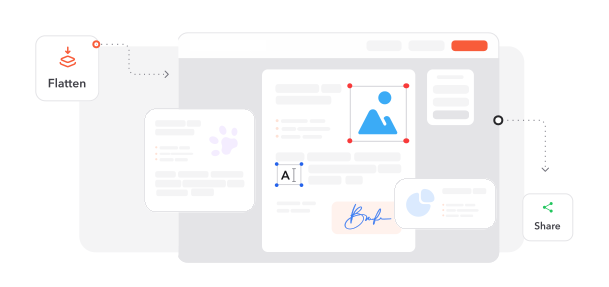
Lock form fields and annotations into the page so your PDF looks the same everywhere.


or
Size up to 250 MB
Size up to 250 MB
How to Flatten PDF Online
Quick and easy PDF editing in a few steps.
Trusted by People Like You
See how our fellow users Flatten PDF with Profi PDF.


Trusted and Secured by Industry Experts





Why choose our tool to Flatten PDF
Harder to Tamper With
Filled-in forms, comments and other interactive elements become part of the page, so they can't simply be edited or removed.
Prints the Way It Looks
No missing fields or shifted comments — the printout matches the screen.
Consistent Everywhere
Flattened PDFs display the same on every device and PDF reader.
Lighter, Simpler Files
Merging layers can make your file smaller and quicker to open.
Extra Protection for Content
Locking elements into the page helps stop form fields and layers from being changed or extracted.
Nothing to Install
Flatten PDFs right in your browser, with your document kept private.
Flatten PDF documents online
Quick and easy, no software required
Flatten PDF Now 4.61,340 reviews
 4.513,920 reviews
 4.64,550 reviews
Frequently Asked Questions
Find quick answers to questions about getting the most out of our tool.