Password Protect PDF Online
Add a password so only the people you choose can open your PDF.


14,382 reviews
Drop your files here
or
Size up to 250 MB
Size up to 250 MB
How to Password Protect PDF Online
Quick and easy PDF editing in a few steps.
1
Upload Your PDF. Drag and drop your PDF or click to upload it.
2
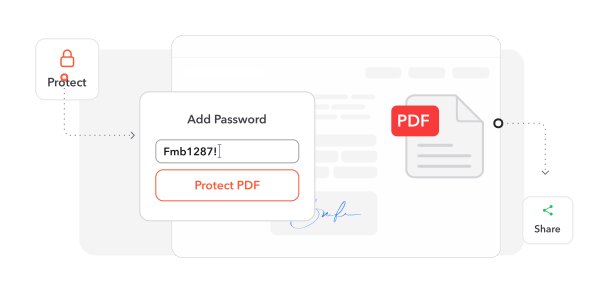
Set a Password. Choose a password and, if you like, limit printing, editing or copying.
3
Download Your File. Download your protected PDF, ready to share.
Trusted by People Like You
See how our fellow users Password Protect PDF with Profi PDF.

Oct 3, 2026
two tries
took two tries but the pdf asks for a password now


yara.n
Sep 14, 2026
password on
password on, sent

ed
Aug 28, 2026
the contract
locked the contract before i emailed the client

hana.s
2526 people generated PDF files today
@suez**
6 mins ago
@pk_9***
8 mins ago
@ahm3d**
19 mins ago
Trusted and Secured by Industry Experts





Why choose our tool to Password Protect PDF
Easy for Anyone
Protect a PDF in a few clicks, with no technical knowledge needed.
Nothing to Install
Works in any browser, without apps taking up space on your device.
Protected in Seconds
Add a password in moments when you need to send a file right away.
Only the Right People Get In
Your PDF is encrypted, so only people with the password can open it.
Keep Sensitive Data Private
A password adds a layer of protection when you share personal, financial or business documents.
Fine-Tune Permissions
Choose whether people can view, edit, print or copy your document.
Password Protect PDF documents online
Quick and easy, no software required
Password Protect PDF Now 4.61,340 reviews
 4.513,920 reviews
 4.64,550 reviews
Frequently Asked Questions
Find quick answers to questions about getting the most out of our tool.